Recording a video mix
In addition to recording audio mixes, djay also lets you capture your full video performance. This is great for livestreams, video sets, or sharing creative visuals alongside your music.
How to record a video mix
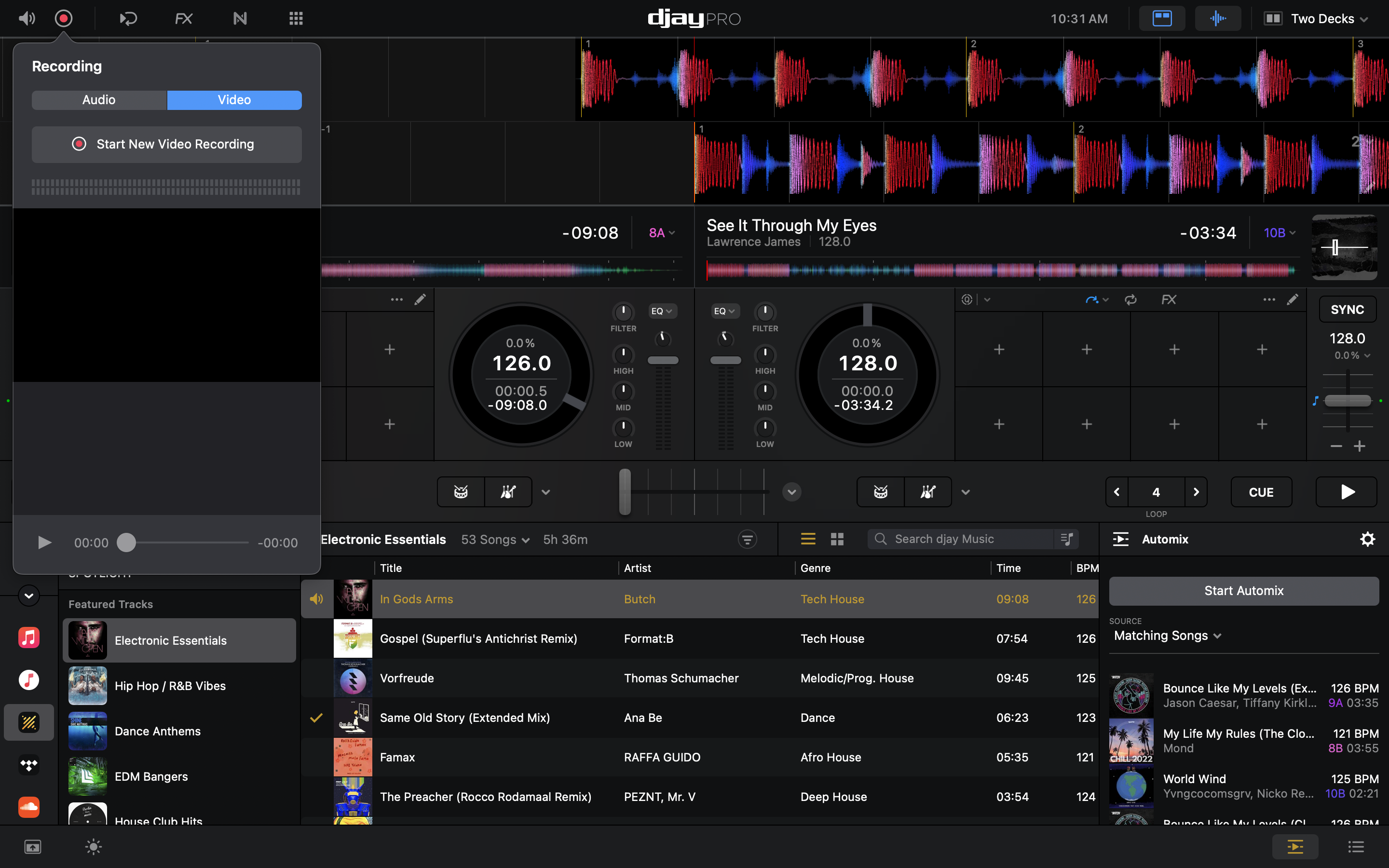
- Click the red record button (●) at the top left of the main window.
- When the pop-up appears, click Start New Video Recording to begin.
- When recording starts, a timer appears next to the button to show that recording is in progress.
- To stop the recording, click the record button again (it will now be showing the stop symbol) and click Stop recording.
Just like in the Audio tab, you can manage all your recorded video sets here.