


Adding tracks from external hard drives, USB, and SD cards
You can easily add music from SD cards, USB drives, or external hard drives by dragging tracks or folders into My Files.
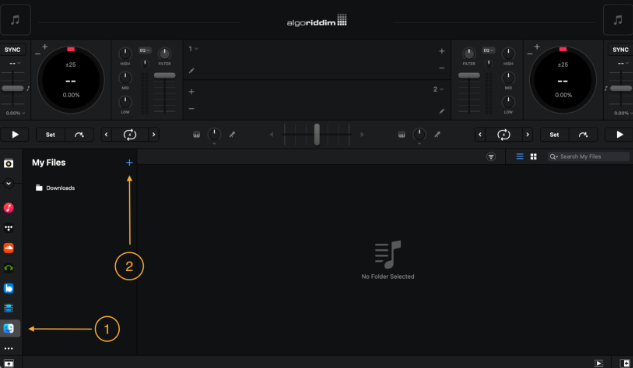
To play tracks directly from an external source, drag an audio file from a Finder window onto a deck in djay. You can learn more by going to our support article.
In Automix mode, you can also drag tracks from your external drive directly into the Automix Queue.
You can find out more about Automix in the Using Automix section.
note
When you add folders or files to My Files, djay stores a reference to the original location—it doesn’t copy or move the files. Make sure the external drive is connected during future sessions so djay can access the tracks.