


Tracking and relinking files
djay Pro for Mac can automatically keep track of your music files—even if you move them. For example, if you move a track from your Downloads folder to your Music folder, djay will usually find it without any action needed.
However, if you move files to a different drive (like an external USB or SD card), djay may no longer be able to locate them. These tracks will appear greyed out in My Collection.
That’s where the Relink Tool comes in. It helps djay reconnect to the file’s new location so you don’t lose your playlists or metadata. You can access the relink tool by clicking Library in the main toolbar.
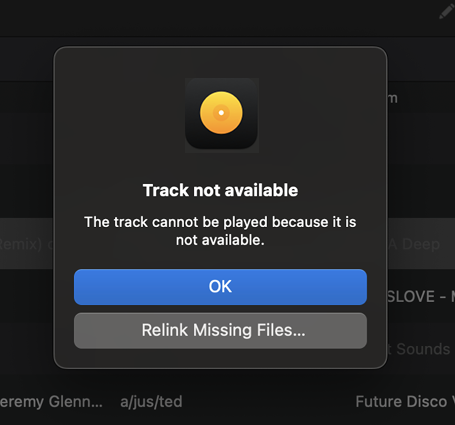
If files have been moved or are missing, they will appear greyed out in your collection. When this happens, djay will show a pop-up with the option to relink them.
You can also right-click any missing file and select Relink missing files to manually locate it.
If you move files while djay is running, djay may need to be restarted for the new file location to be detected.