Viewing sessions
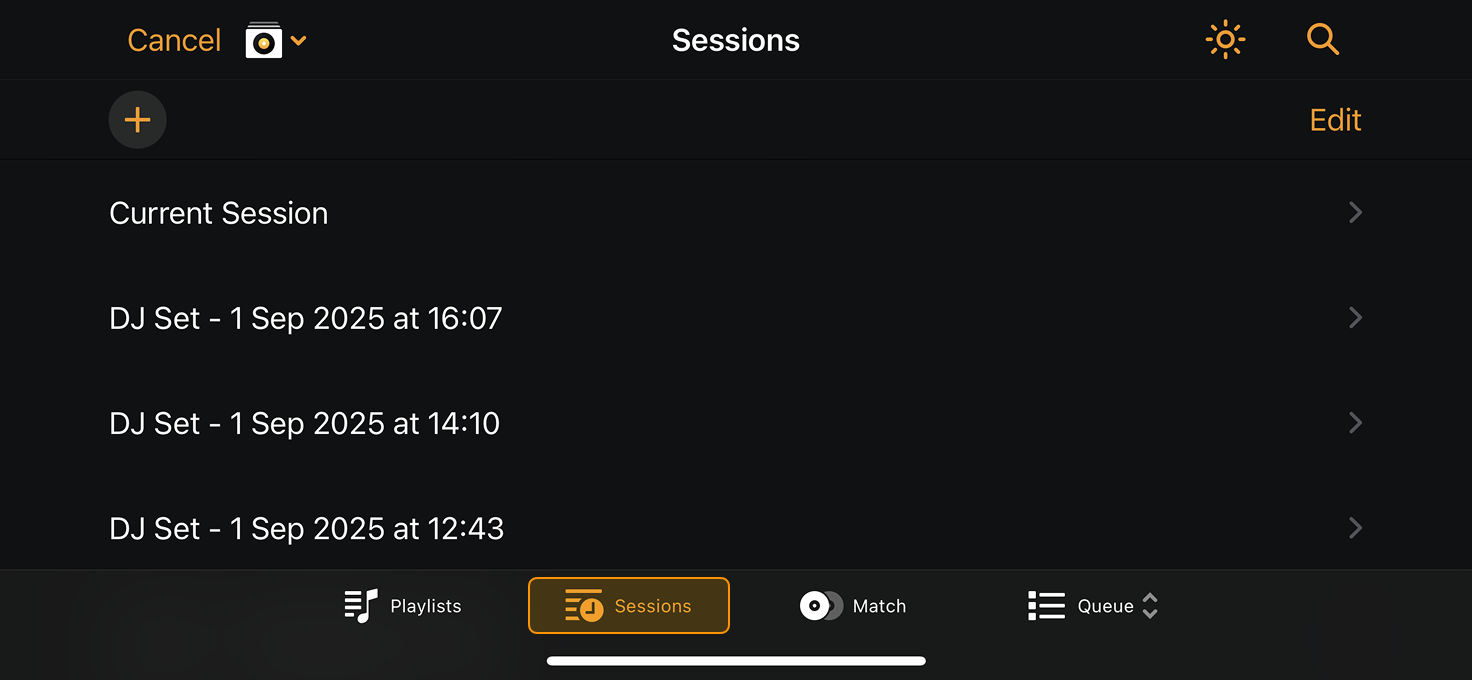
Sessions capture the sets you’ve played, letting you relive entire mixes and keep track of how your sound evolves over time. Each session is saved automatically and labeled by date, so you can easily revisit performances or build on past ideas.
Saved sessions work like playlists and display the tracks from each set. You can delete sessions by swiping left on a set or by tapping Edit and selecting the sessions to remove.
Viewing your sessions
- Open the My Collection.
- Tap Sessions to view your saved sets.
You can manually create a new session by tapping the + icon.