


Files and videos
Files and Videos give you direct access to your personal music and video collections stored on your device or connected drives. Whether you’re mixing from your downloaded tracks, adding video content to your sets, or pulling media from cloud storage, djay makes it easy to find and load your files to the decks.
You can browse and play music and video files from your personal collection by adding files or folders.
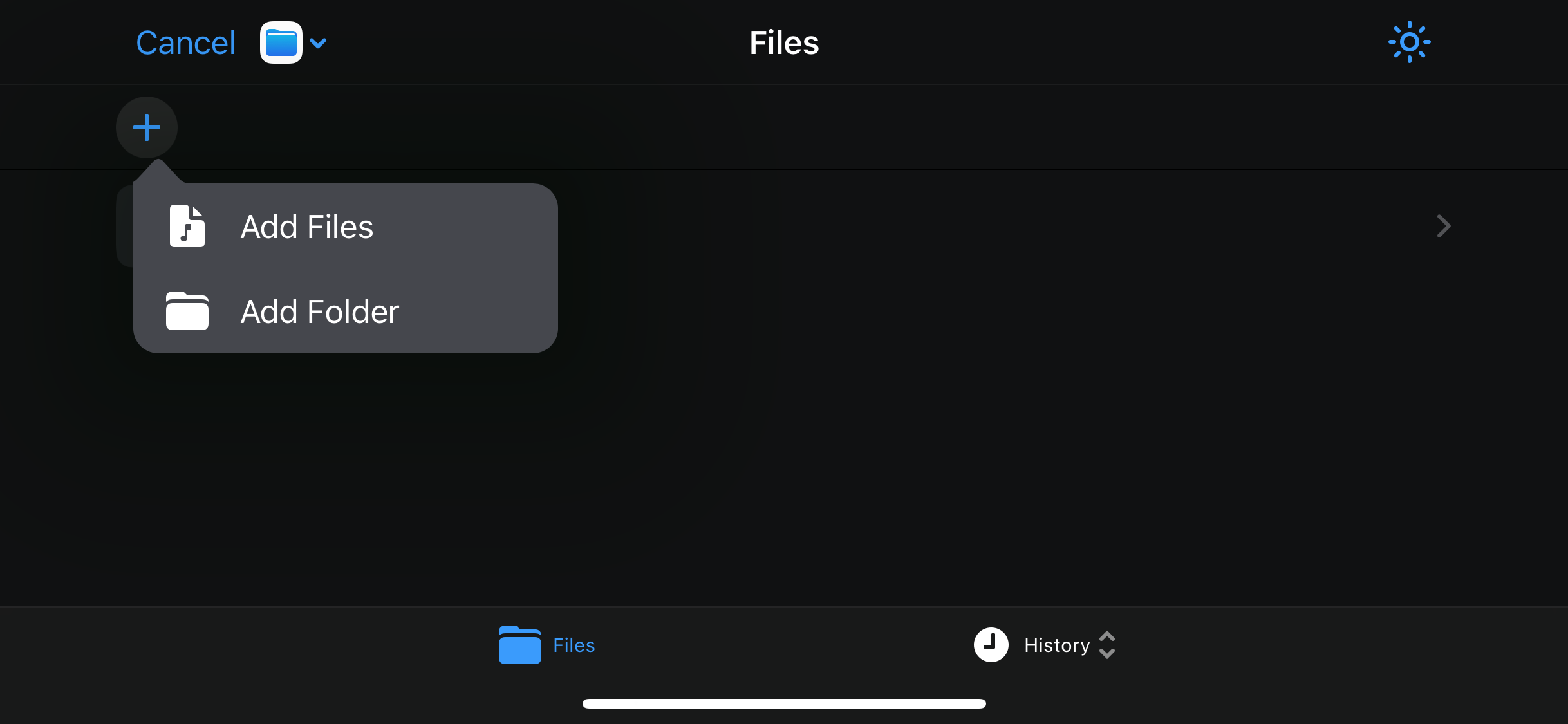
Accessing your files
-
Tap Files in the sources dropdown menu.
-
Tap the + icon to add files or folders.
-
Navigate to your storage location and select the files you want to add.
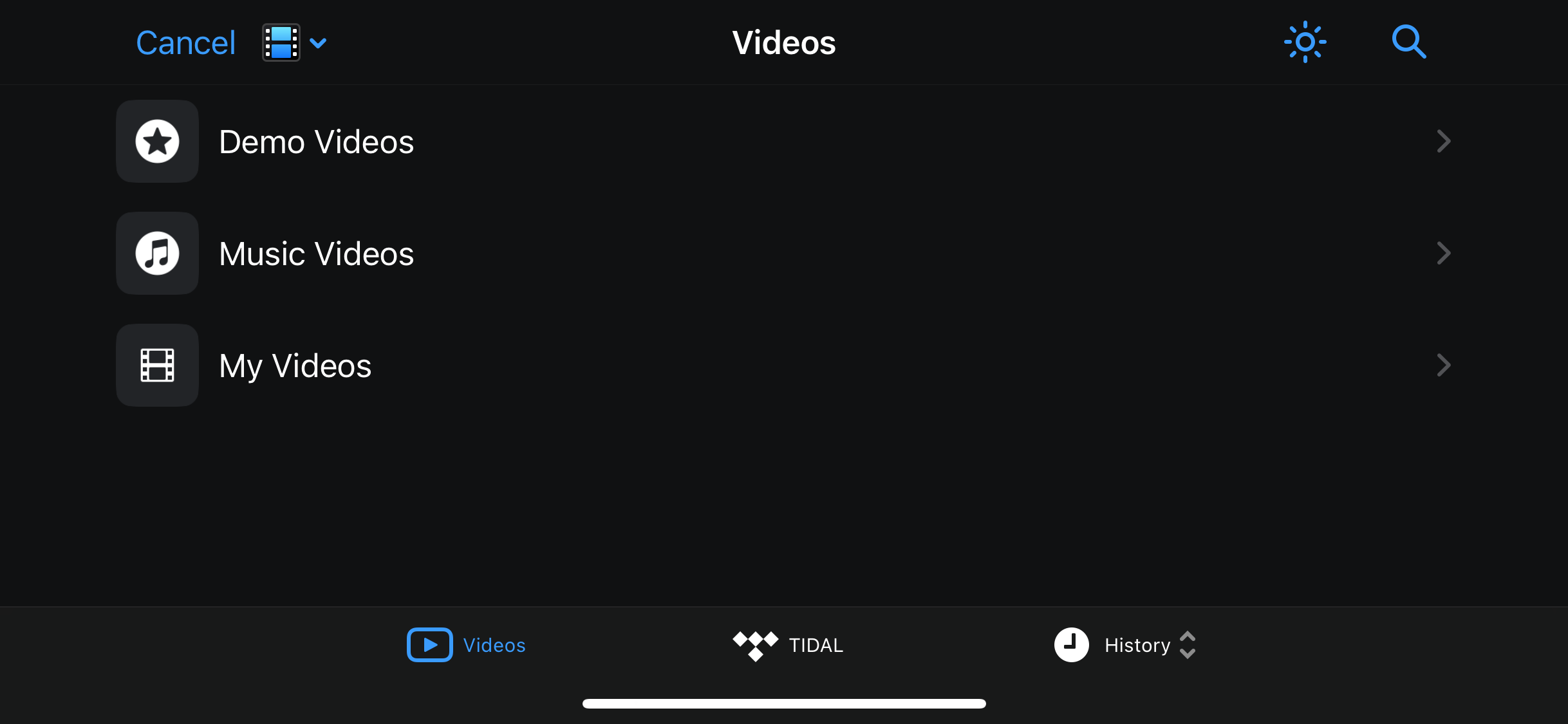
Accessing your videos
-
Tap Videos in the sources dropdown menu.
-
Navigate to your storage location and select the videos you want to add.
You may need to grant djay permission to access your library. Once added, your files appear directly in the Files or Videos libraries, ready to load into your decks.
TIDAL subscribers can log in to access video content via the TIDAL tab.