


Search and filter tracks
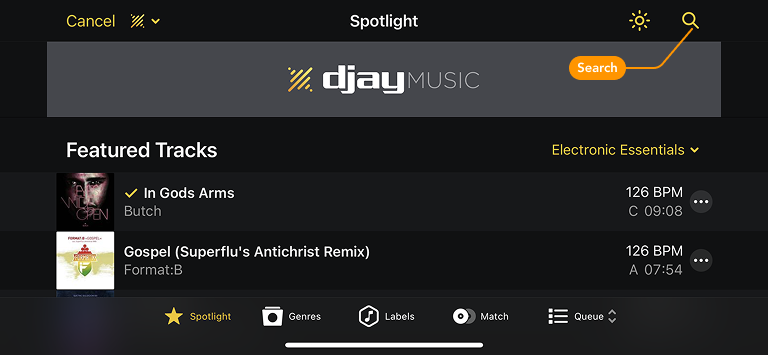
Finding the right track is key to a great mix. To locate a specific song, select your preferred library—My Collection, djay Music, or a connected streaming service—and use the search bar to find it quickly.
Filters let you narrow down your library to quickly find tracks that fit your mix. You can filter by Artist, BPM, Color, Genre, Key, Label, Play Count, and Title.
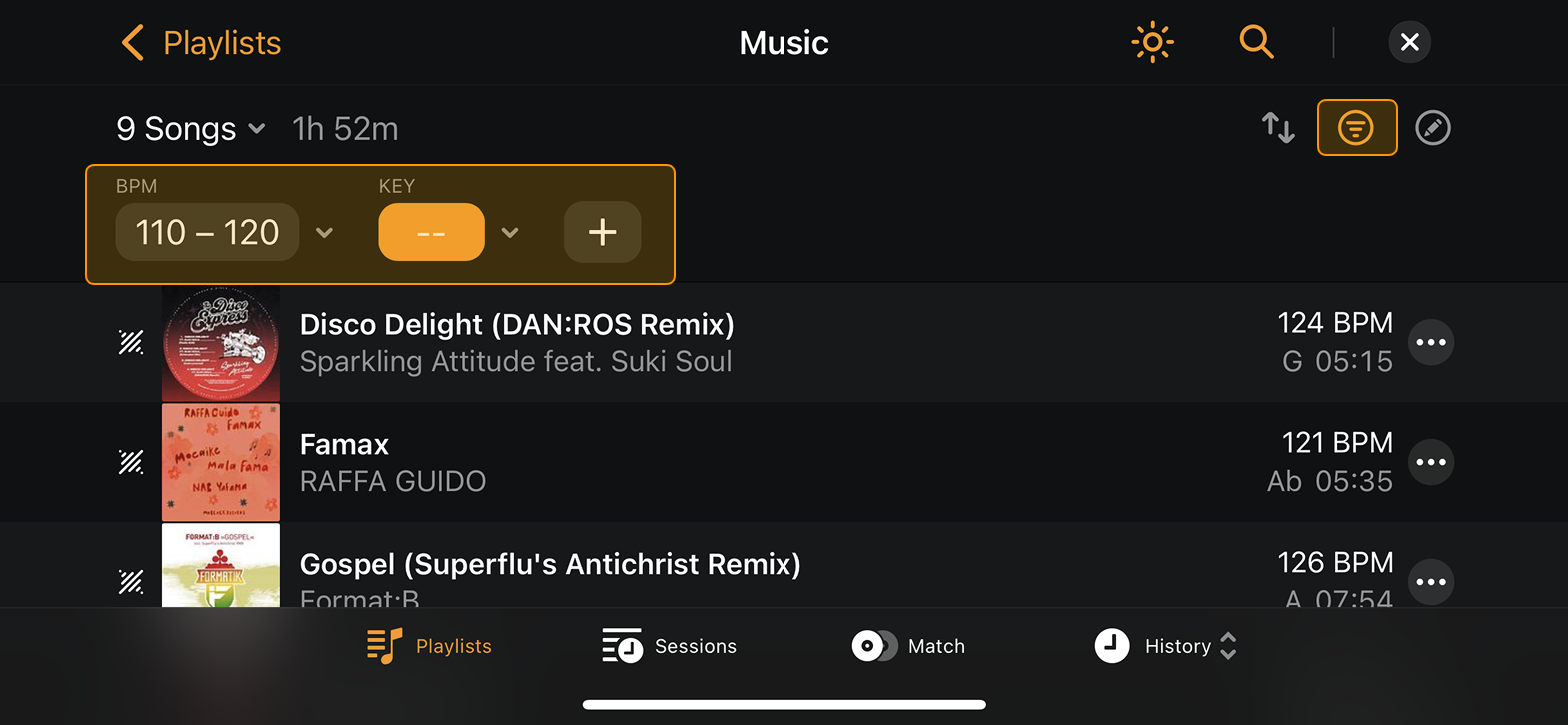
The Filter toolbar above the tracklist helps you apply and manage filters.
Using the filter toolbar
- Tap the Filter icon in the top right of the screen.
- Tap the + icon to add a new filter.
- Use the dropdown menus to set conditions such as is, is not, or is greater than to refine your selection.
Tap a filter box to toggle it on or off. When highlighted in orange, the filter is active. To remove a filter, open the dropdown menu next to it and select Remove filter.