


General settings
The General settings menu is where you fine-tune how djay behaves when loading tracks, syncing, controlling tempo, and more.
You can access general preferences by going to to Settings in the main toolbar.
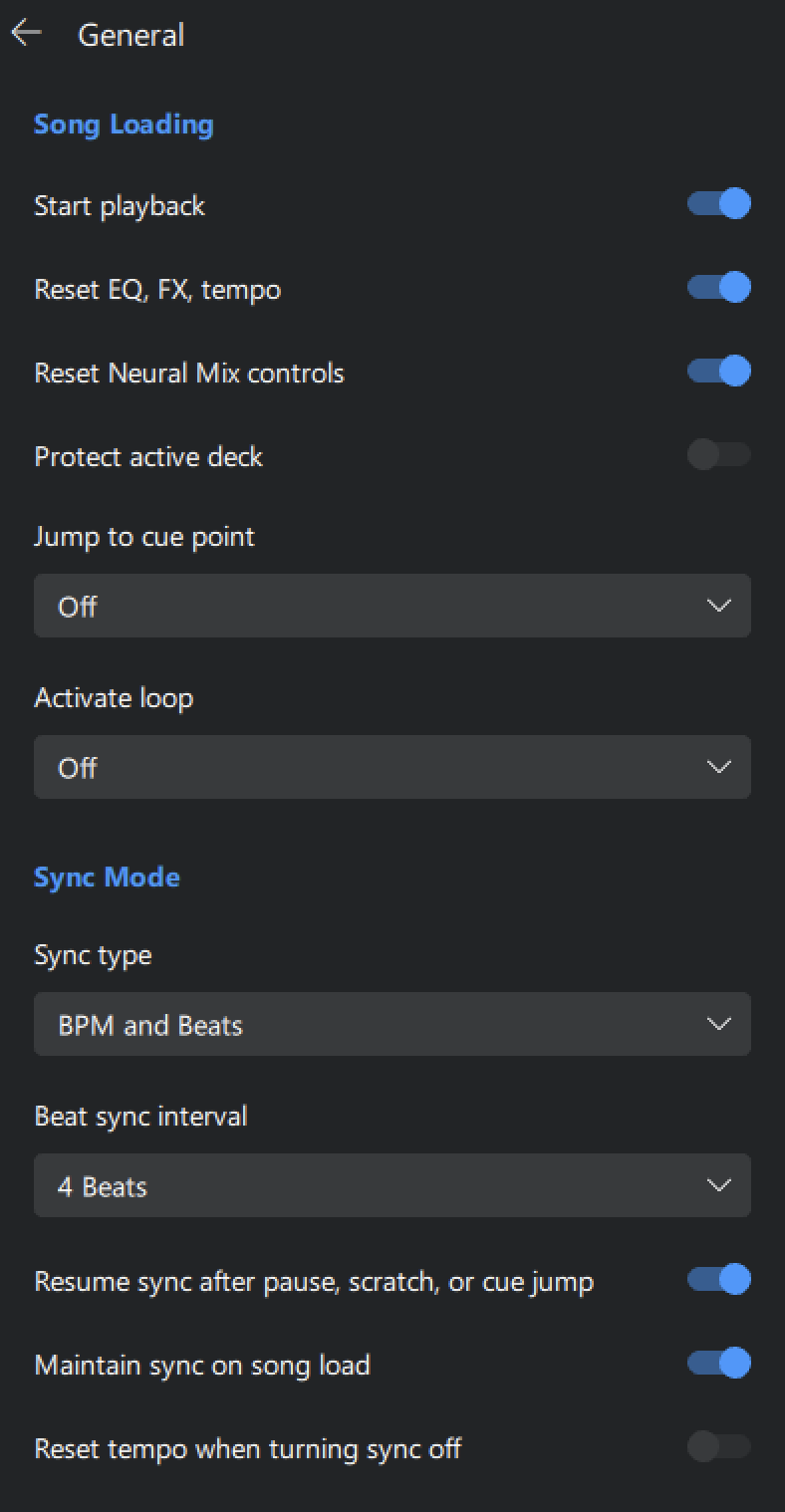
Song loading
- Start playback: Automatically starts a track when it's loaded into a deck.
- Reset EQ, FX, tempo: Resets all EQ, FX, and tempo settings to default when loading a track.
- Reset Neural Mix controls: Resets Neural Mix™ stem levels when loading a new track.
- Protect active deck: Prevents tracks from being accidentally replaced while they’re playing.
- Activate saved loop 1: Automatically arms the first saved loop on load. Playback will loop this section when reached.
- Jump to cue point: Loads the track either at the beginning of the track (Off), at the Start Cue, Cue Point 1, or a specific cue point (1–16).
- Activate loop: Activate loop: Automatically arms the first saved loop, earliest saved loop (1-8), earliest cue loop (1-16) on load. Playback will loop this section when reached.
Sync mode
- Sync type: Choose whether sync matches only the BPM (Tempo) or both BPM and beats (Beat sync).
- Beat Sync interval: Sets quantization for beat sync (1 beat or 1 bar).
- Resume sync after pause, scratch, or cue jump: Keeps sync active even after playback is stopped or adjusted.
- Maintain sync on song load: Keeps sync active when loading a new track.
- Reset tempo when turning sync off: Returns tempo to original BPM when you deactivate sync.
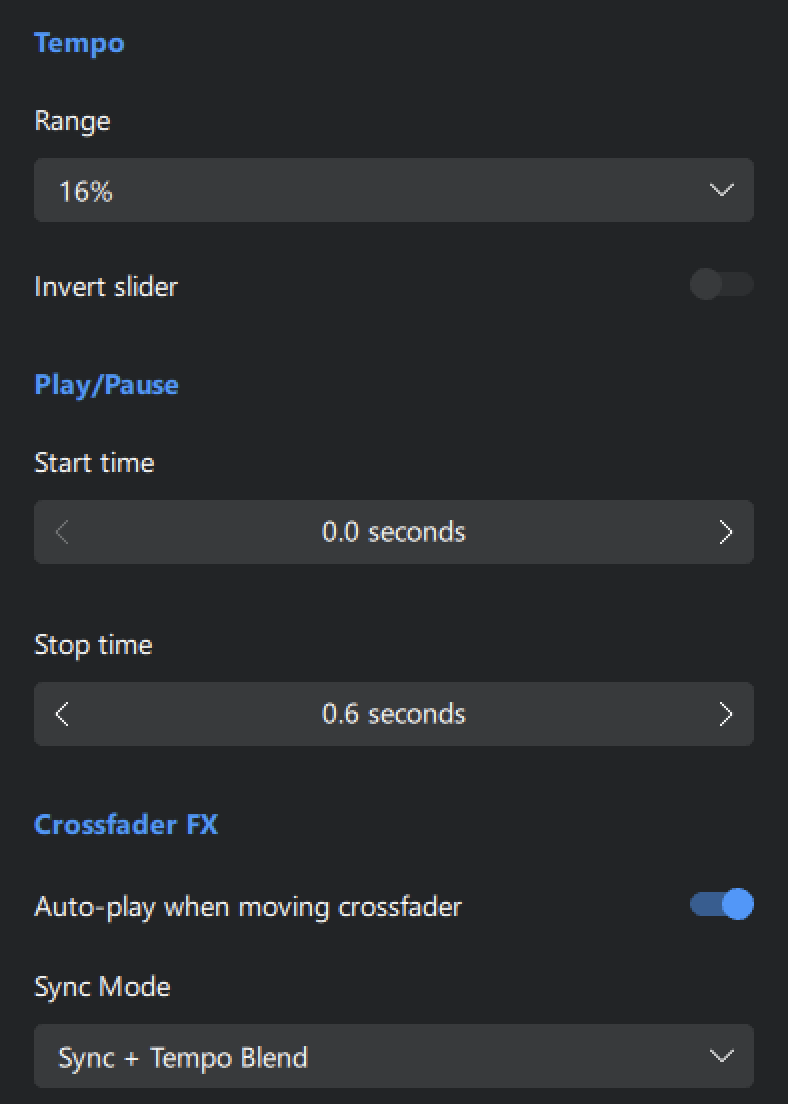
Tempo
- Slider range: Adjusts the range of the pitch slider (±6% to ±75%).
- Invert slider: Reverses slider direction for tempo control, both in software and on hardware.
Play/Pause
- Start time: Sets how gradually the track speeds up when you hit play—mimicking a vinyl turntable starting.
- Stop time: Sets how gradually the track slows down when stopped—like powering down a turntable.
tip
The Play/Pause controls are great for replicating the feel of vinyl turntables.
Crossfader FX
- Auto-play when moving crossfader: Automatically start playback when moving the crossfader towards a paused deck. This feature is available in Two Deck and Four Deck modes.
note
Crossfader FX must be turned on to enable this feature.
- Sync Mode:
- Off – No sync is applied.
- On – Sync is maintained during crossfades.
- Sync + Temp Blend – Applies both sync and tempo blending for smoother transitions.
note
When Crossfader FX is enabled, it can override your selected Sync mode and change how the crossfader behaves. If Sync isn’t working as expected, check Settings > General > Crossfader FX to review your configuration.