


Library settings
Customize how djay handles your music library, from queue behavior and BPM analysis to key detection and importing new tracks. These settings help keep your collection organized and your mixing workflow smooth.
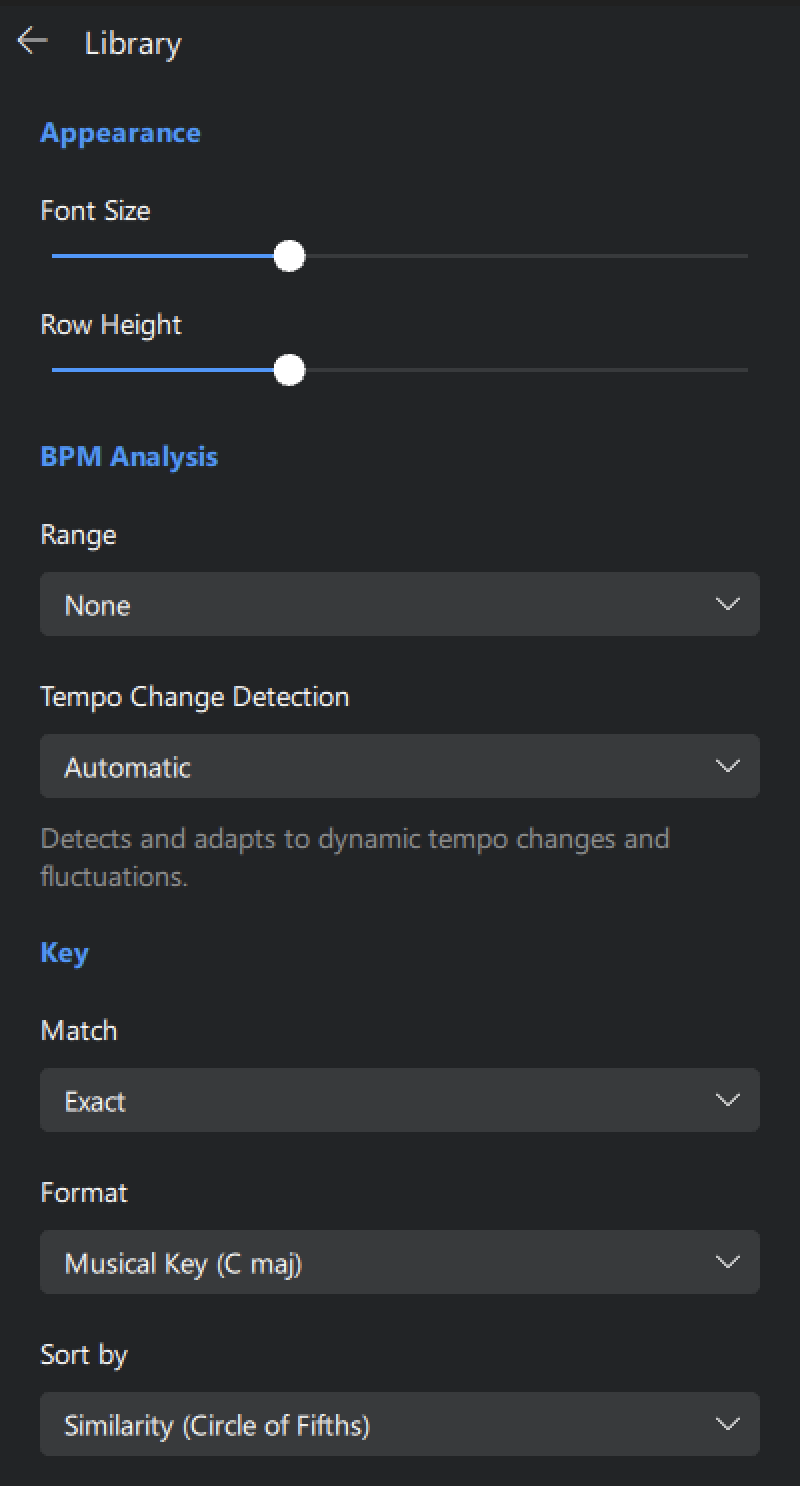
Appearance
- Font size: Adjusts the size of text in the library for easier reading.
- Row height: Changes the height of each track row in the library to show more detail or fit more tracks onscreen.
BPM Analysis
- Range: Sets the expected BPM range for tempo analysis. Helps djay avoid detecting tracks at half or double speed.
- Tempo Change Detection: Enable this to let djay track tempo fluctuations within a song.
Key
- Match: Choose between Exact key matching or Fuzzy, which suggests harmonically related keys using the circle of fifths.
- Format: Choose how keys are displayed: Musical Key, Musical Key with Major/Minor, Numerical Key, or OpenKey.
- Sort by: Choose how your tracks are sorted when browsing by key—Similarity (based on the circle of fifths) or Pitch distance (chromatically).
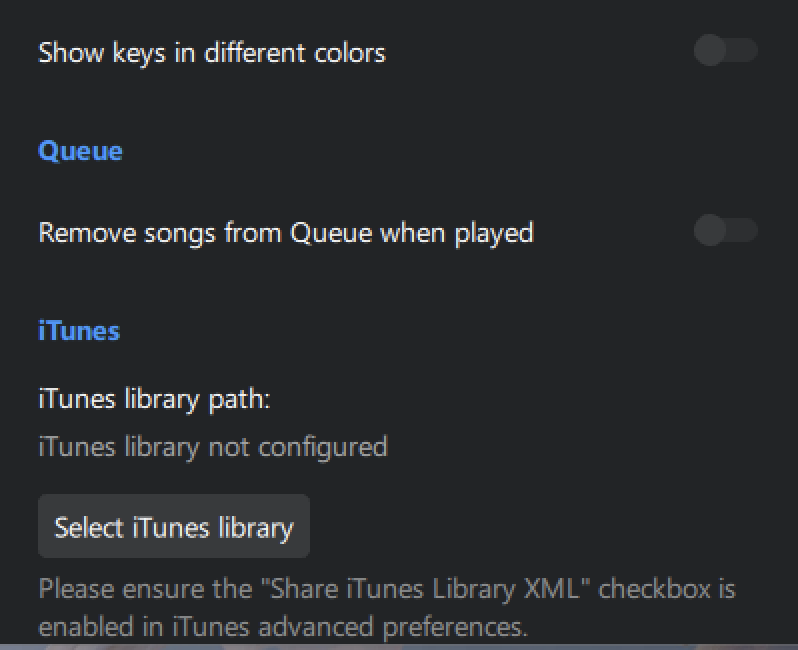
- Show keys in different colors: Displays musical keys using color coding to make harmonic compatibility easier to spot.
Queue
- Remove songs from Queue when played: Tick this box if you don’t want to see tracks that have already been played in the Queue.
iTunes
- Select iTunes library: Select the location of your iTunes Library.xml file so djay can display your iTunes playlists.