


Appearance settings
Tailor the visual experience of djay to match your workflow and aesthetic. From customizing jog wheels and waveforms to tweaking cue buttons and artwork, these settings help you see the information that matters most, exactly how you like it.
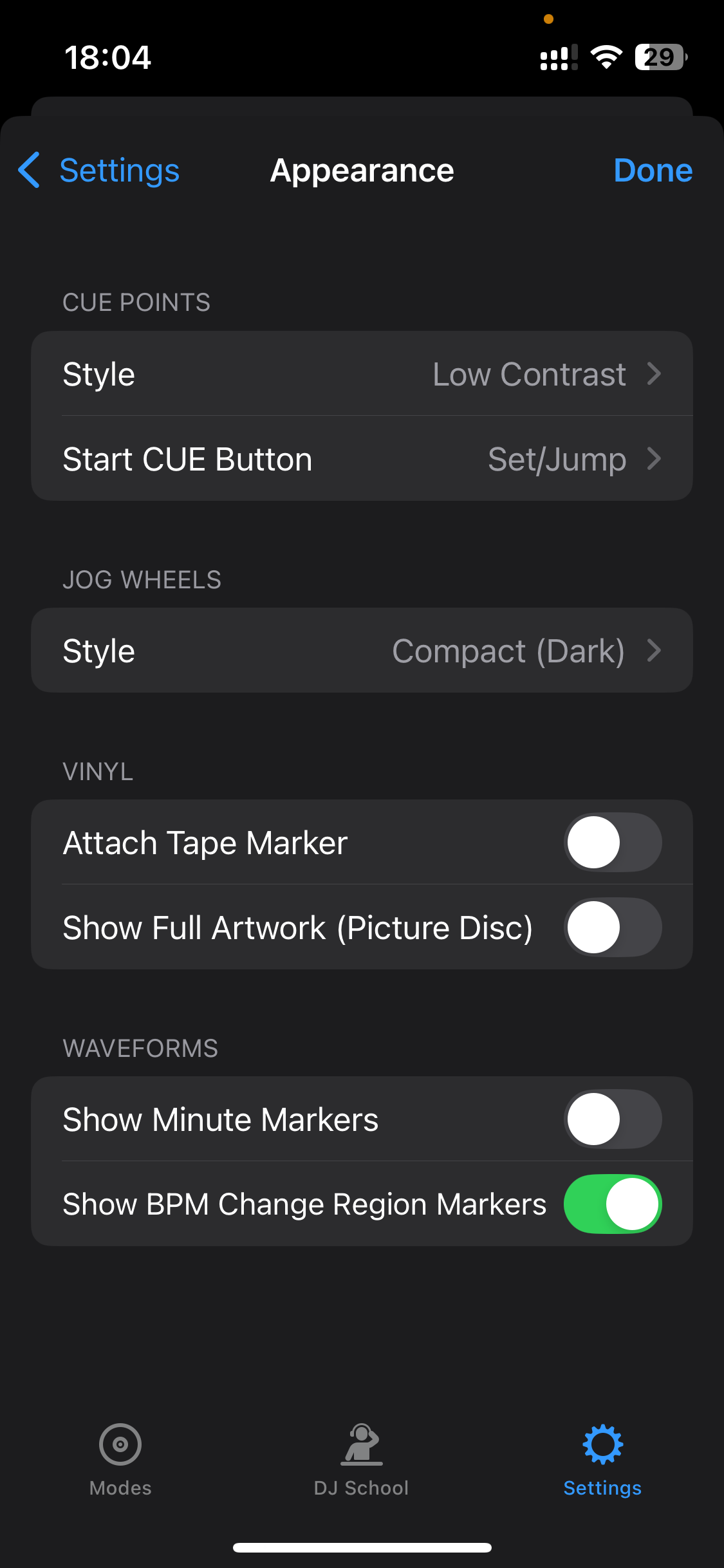
Cue points
-
Style: Toggle between low or high contrast for clearer cue point visibility based on your preference.
-
Start cue button: Choose between classic CDJ-style Cue button or separate Set and Jump buttons for more precise cue control.
Jog wheels
- Style: Choose between Vinyl, or Compact (dark), Compact (light), and extended jog wheels. Extended displays additional details like pitch percentage and upcoming cue points.
Vinyl
-
Attach Tape Marker: You can add a white strip to visually mark the vinyl rotation point—great for scratching and cue reference.
-
Show full artwork (picture disc): Choose a traditional vinyl appearance or a picture disc that uses your track artwork.
Waveforms
-
Show minute markers: Displays white dots at every minute to help with timing and phrasing.
-
Show BPM change region markers: Highlights regions of tempo change for better visual beatmatching.