Video recording
In addition to recording audio mixes, djay also lets you capture your full video performance. This is great for livestreams, video sets, or sharing creative visuals alongside your music.
How to record a video mix
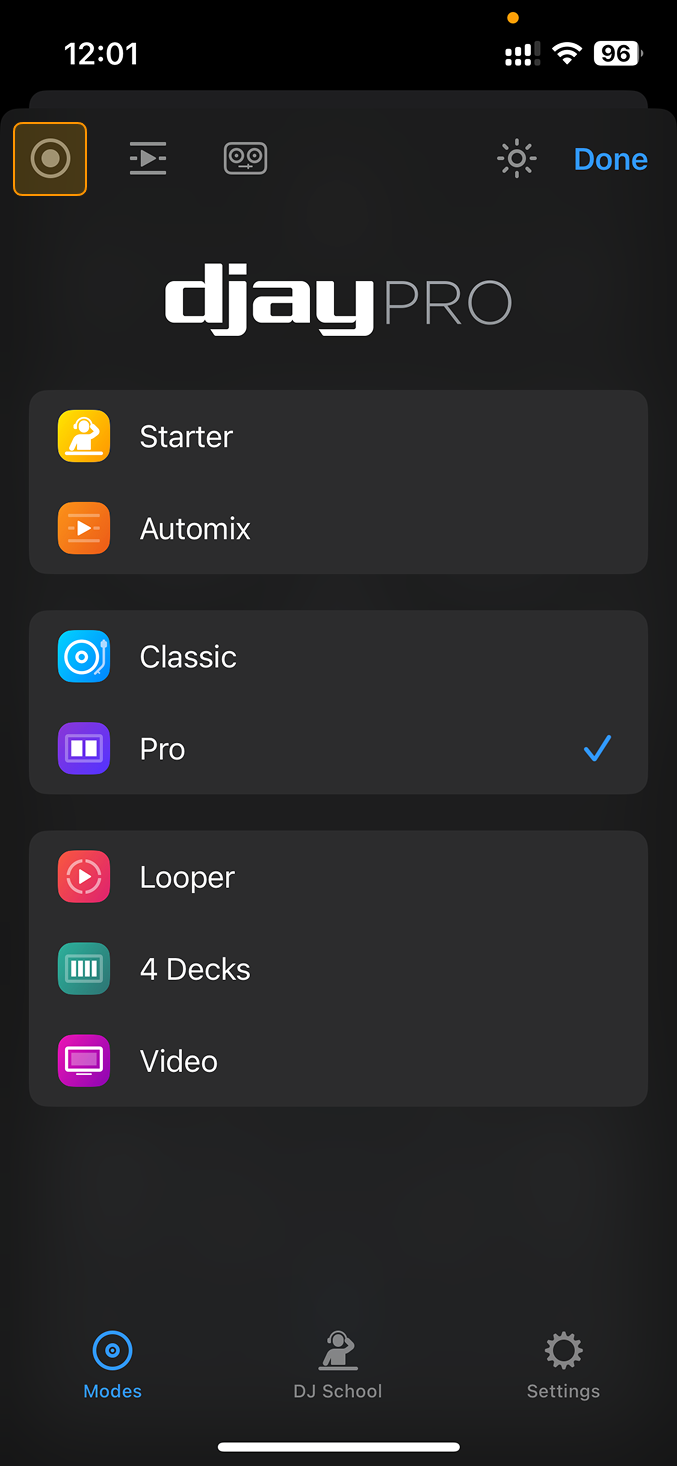
- Tap the Dashboard button.
- Tap the record button in the top left of the screen.
- Tap Start New Video Recording to begin.
- The dashboard button will show a red ring around it when recording is active.
- To stop recording, tap the Record button again.
- Your mix is saved in the recording menu.