


Record a mix
Recording lets you capture your DJ sets so you can share them, listen back for practice, and build your own mix library. You can record audio or audio with video, depending on your needs.
How to record an audio mix
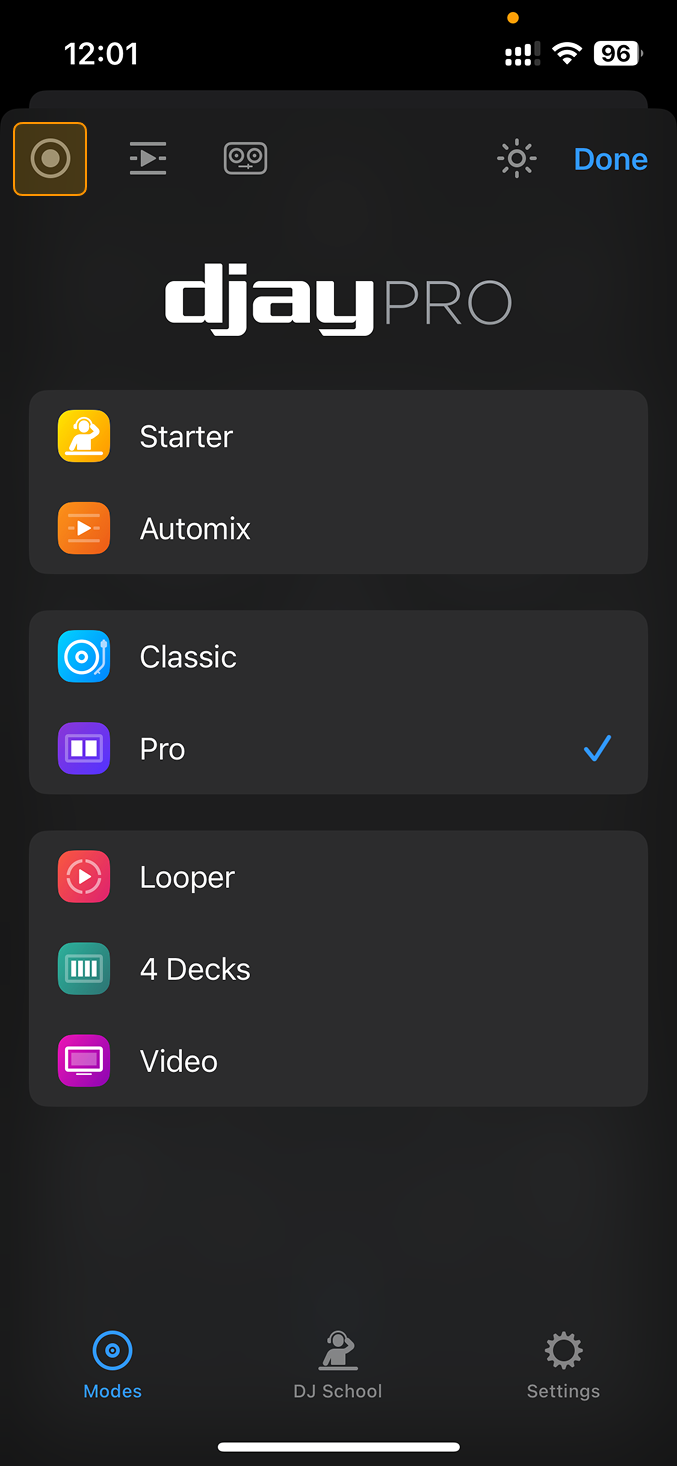
- Tap the record button in the top left of the screen.
- Tap Start New Audio Recording to begin.
- The dashboard button will show a red ring around it when recording is active.
- When you want to stop recording, tap the Record button again.
- Tap Stop recording.
- Your mix will be saved in the recording menu.
note
Stop the recording before closing djay. Closing the app while recording may result in a corrupted file.
Recording formats
- AAC – compressed format that uses less storage.
- WAV – uncompressed format for higher quality.
You can record either audio only or audio with video.
note
You can’t record mixes that include streamed tracks from Spotify, Apple Music, TIDAL, Beatport/Beatsource, or SoundCloud. If you’re playing music from a streaming service, Mix Recording won’t be available.