


What streaming service options are available in djay?
djay seamlessly connects with popular streaming services, including Spotify, Apple Music, TIDAL, SoundCloud and Beatport. With an active subscription and a logged-in account, you can instantly browse and mix tracks from your favorite platforms.
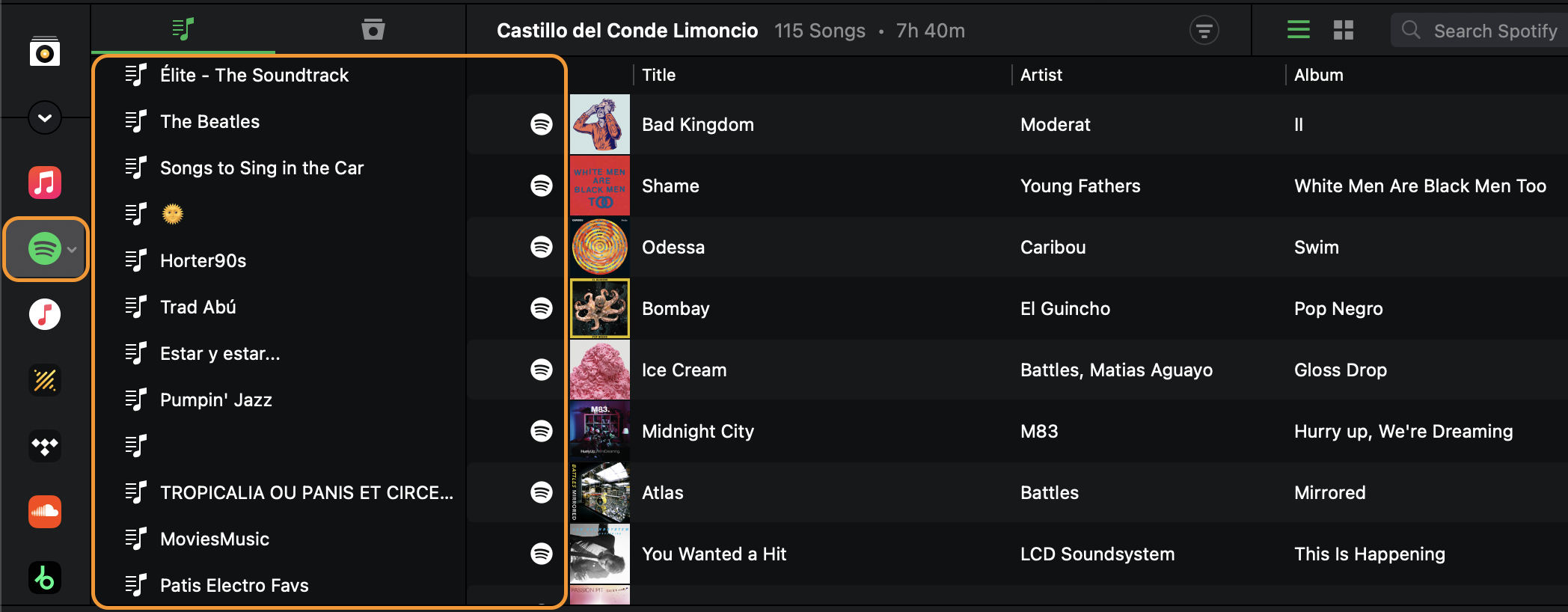
Once connected, your streaming libraries appear in the sidebar alongside My Collection and djay Music.
Apple Music
Connect your Apple Music account to access its catalog of over 100 million songs, plus your own personal library. Since your library lives in the cloud, you can access it directly in djay. You won't need to re-import or sync anything before you start mixing.
Supported apps: djay for iOS, macOS, visionOS, Android, and Windows
Spotify
Spotify in djay gives you access to millions of songs from it's entire catalog, including your own playlists and Spotify's editorial picks. A Spotify Premium subscription is required to use the service in djay.
Supported apps: djay for iOS, macOS, Windows and Android
TIDAL
TIDAL integration in djay offers HiFi sound, 60+ million tracks, exclusive content, and HD music videos, all accessible from within djay. TIDAL requires an individual plan with the DJ Extension. See TIDAL’s FAQ for more information about their DJ Extension.
For details on TIDAL audio quality options, see what are the differences between the TIDAL quality settings in djay?
Supported apps: djay for iOS, macOS, Android, and Windows
SoundCloud
SoundCloud lets you stream and mix more than 200 million tracks with a SoundCloud Go+ subscription.
Supported apps: djay for iOS, macOS, Android, and Windows
Beatport
Beatport Streaming in djay offers millions of electronic tracks across House, Tech House, Garage, and Techno, plus curated DJ playlists, the Beatport Top 100, and offline storage. An Advanced, Professional or Professional+ Beatport Streaming subscription is required.
Supported apps: djay for iOS, macOS, Windows and Android
Beatsource has joined forces with Beatport. As a result, all Beatsource customers will be migrated to Beatport. If you had a subscription with Beatsource, check their Beatsource migration FAQ for details on how to get your playlists transfered from Beatsource to Beatport.
Can I play streaming tracks offline in djay?
Different streaming services offer different options:
- Beatport supports offline storage, so you can download up to 1000 tracks to an Offline Locker and use them without an internet connection. Offline storage requires a Beatport Professional or Professional+ subscription.
- Apple Music, Spotify, TIDAL, and SoundCloud tracks always stream live in djay. This is true even if you've downloaded songs for offline listening inside that service's own app. You'll still need an internet connection to mix those tracks in djay.
Downloading a song for offline listening in the Apple Music, Spotify, TIDAL, or SoundCloud app does not make it available offline in djay. You'll still need an internet connection to mix those tracks.
What about Neural Mix and mix recording?
- Neural Mix™ stem separation (which splits a track into vocals, drums, and harmonics you can isolate or blend in real time) works with TIDAL, SoundCloud, and Beatport tracks. It isn't currently available for Apple Music or Spotify tracks.
- Mix recording is disabled while using any streaming service.
The terms of service for streaming platforms are periodically updated by the respective music rights holders. As a third-party DJ software integrating with these services, djay must comply with their licensing terms and usage restrictions. Because of this, Neural Mix stem separation is not currently supported for tracks from Apple Music or Spotify.
Troubleshooting
- If you run into playback problems with any streaming service, see I'm having trouble with my streaming service, what should I do?
- To switch accounts or sign out, go to how do I log out of or change my streaming service account in djay?