


How do I log out of or change my streaming service account in djay?
Learn how to connect, switch, or log out of your streaming service in djay, including Apple Music, Spotify, TIDAL, SoundCloud, Beatport, and Beatsource.
- macOS
- iOS
- Windows
- Android
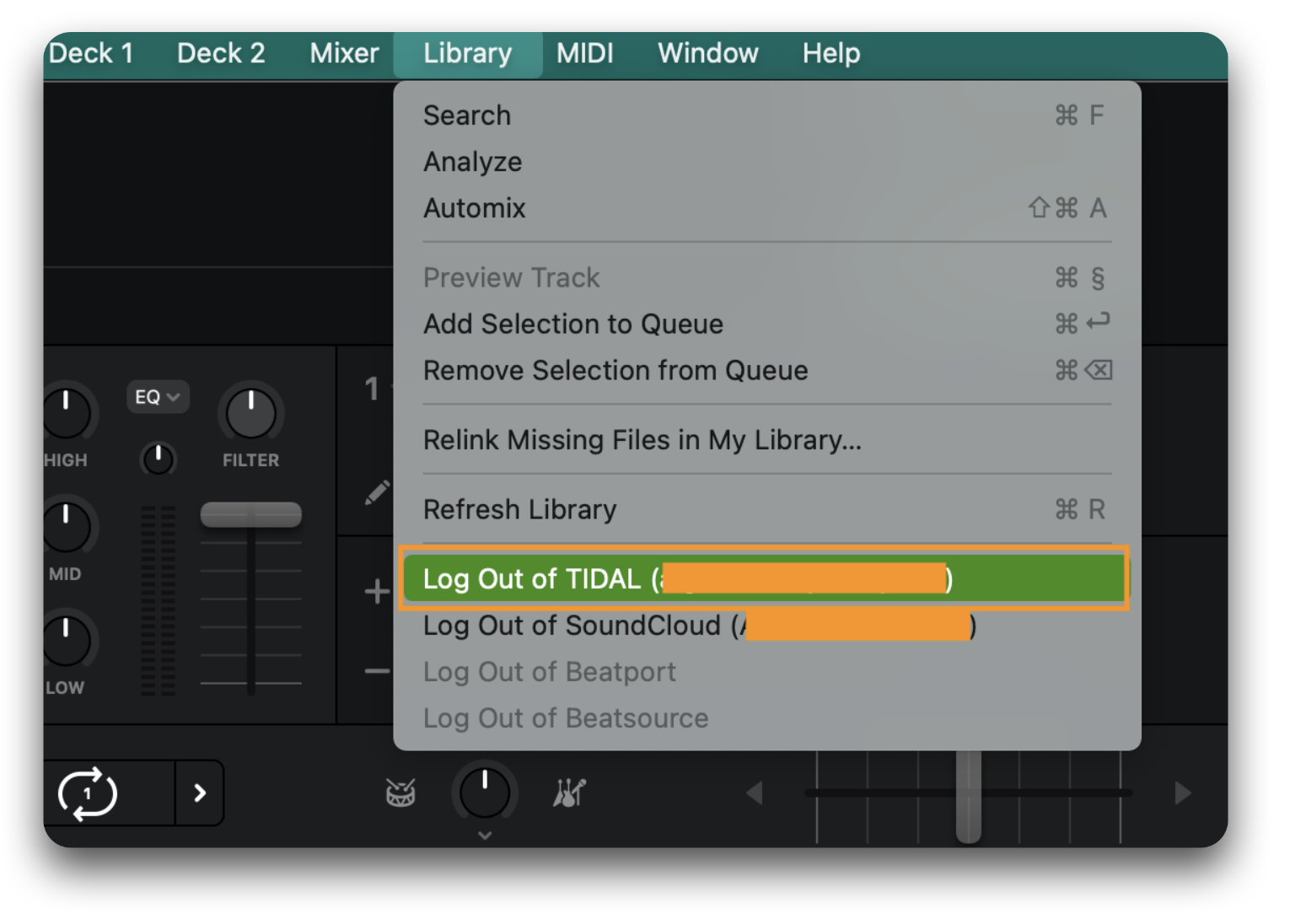
Logging out of streaming services via the “Library” menu
Select "Library" from the main menu bar at the top of the screen, then select "Log Out of [Streaming Service]" — in this example, "Log Out of TIDAL."
Logging out of streaming services via settings
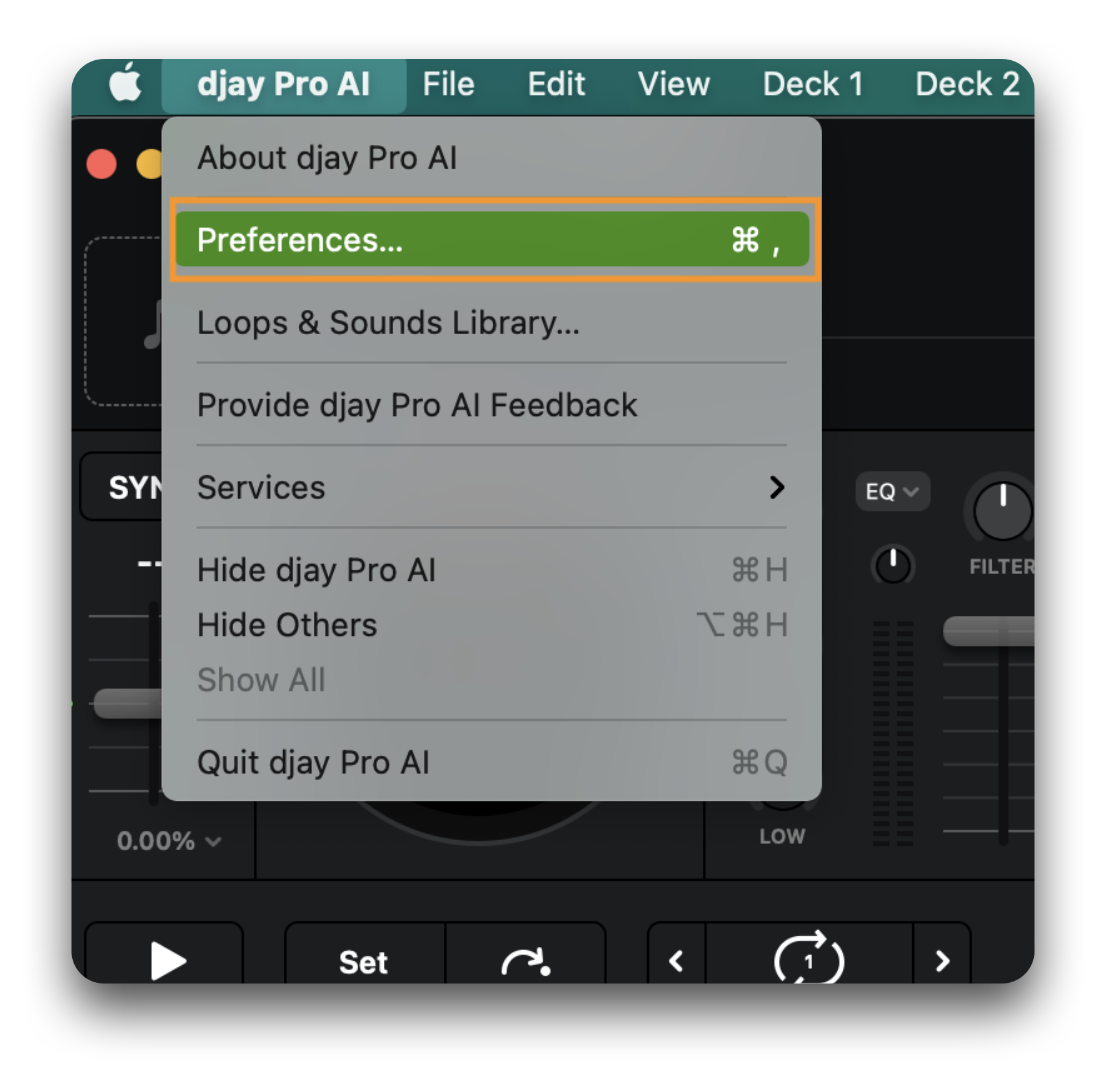
- Open djay's Preferences by selecting "djay Pro" from the main menu bar, then select "Preferences...".
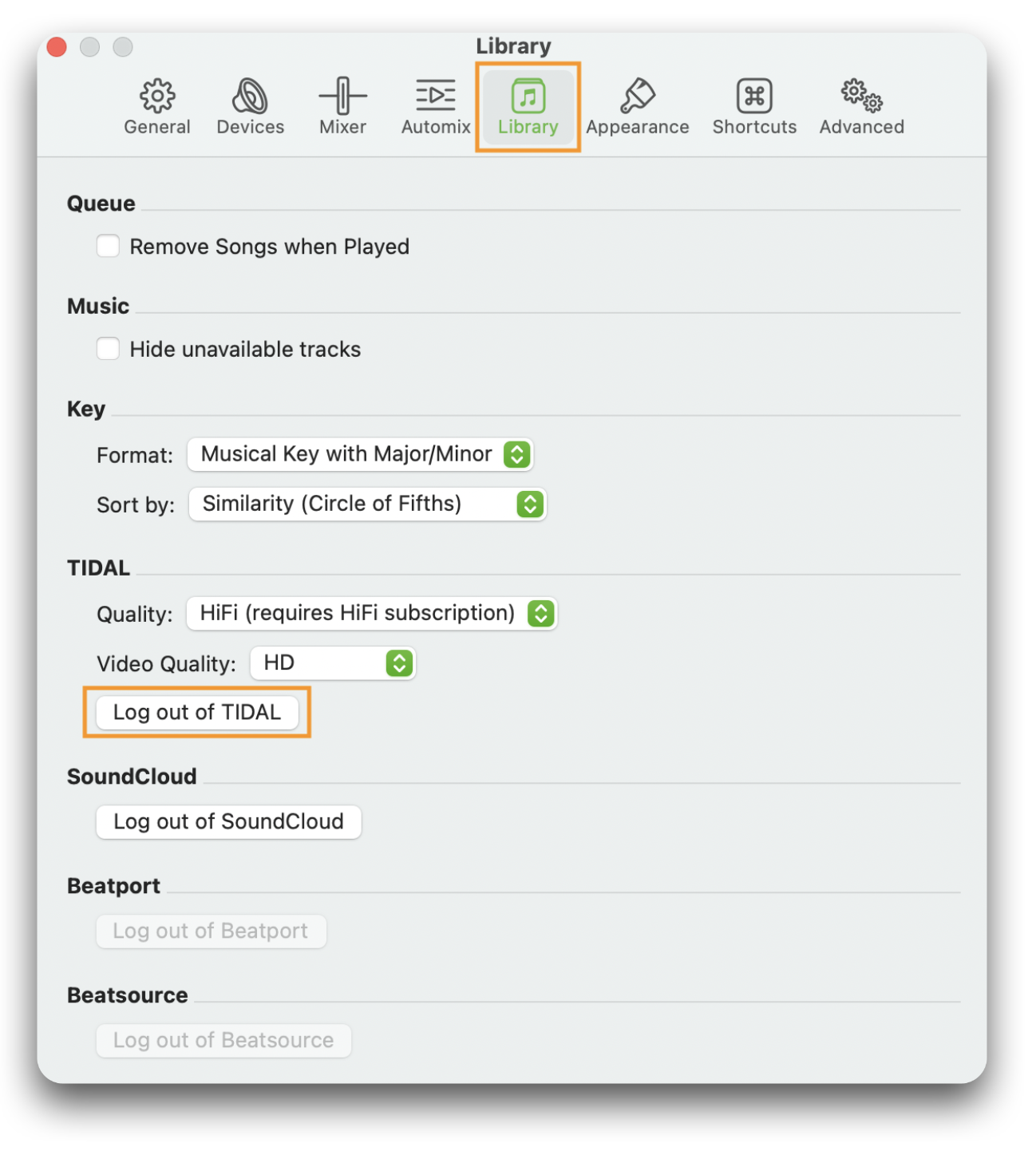
- Make sure the "Library" tab is selected, then select "Log out of [Streaming Service]" — in this example, "Log out of TIDAL."
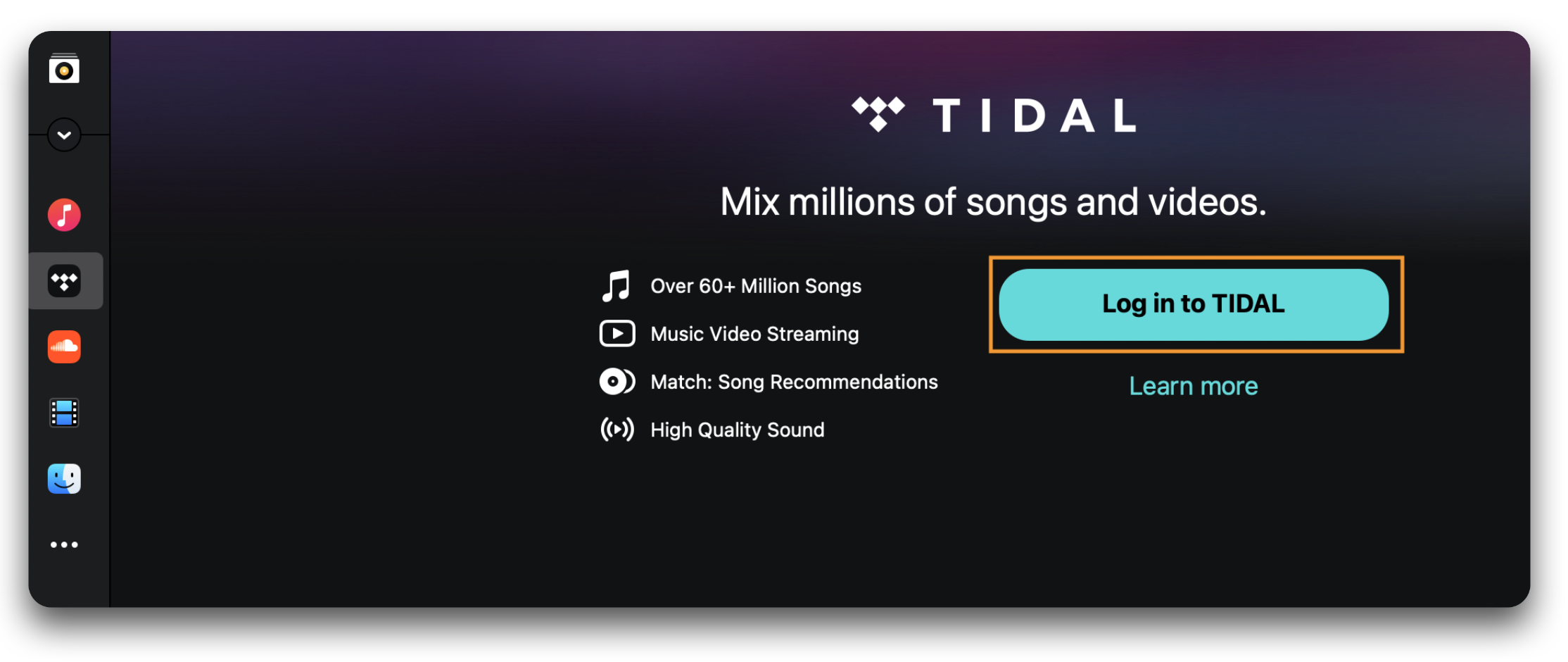
To log in again with the same account or a different account, navigate to the streaming service source in djay's music library and select "Log in to [Streaming Service]."
Logging out of streaming services
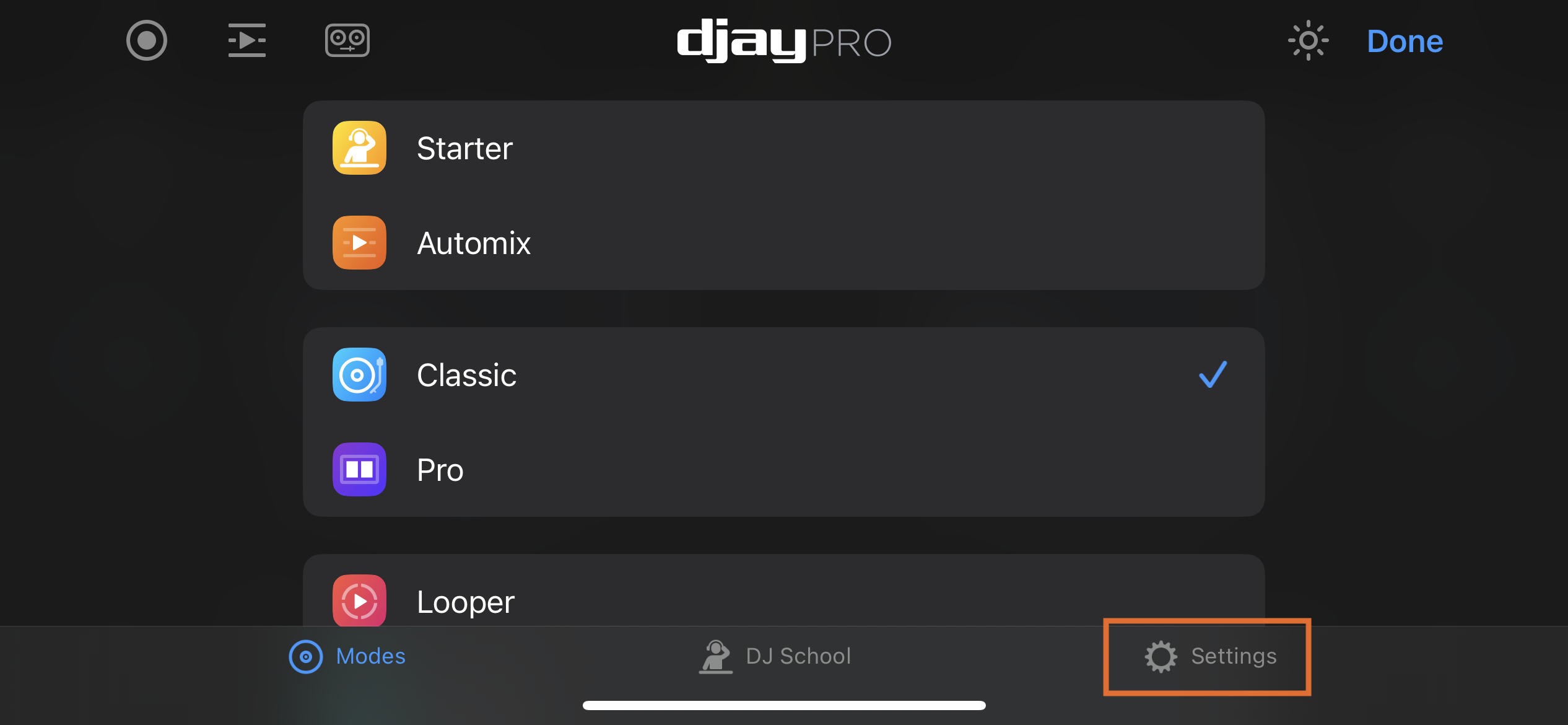
- Go to djay's Settings by tapping the cog icon.
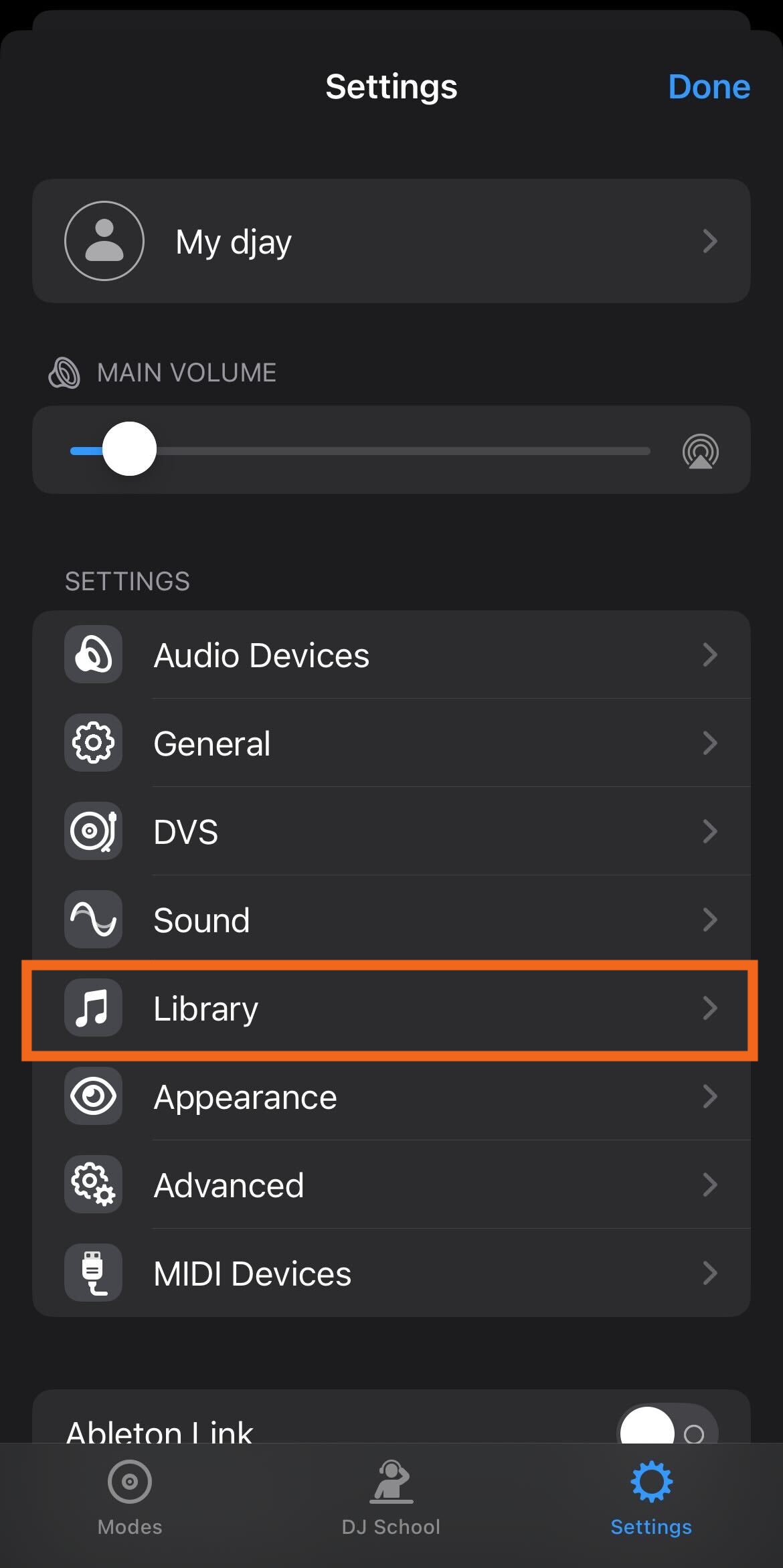
- Tap on "Library".
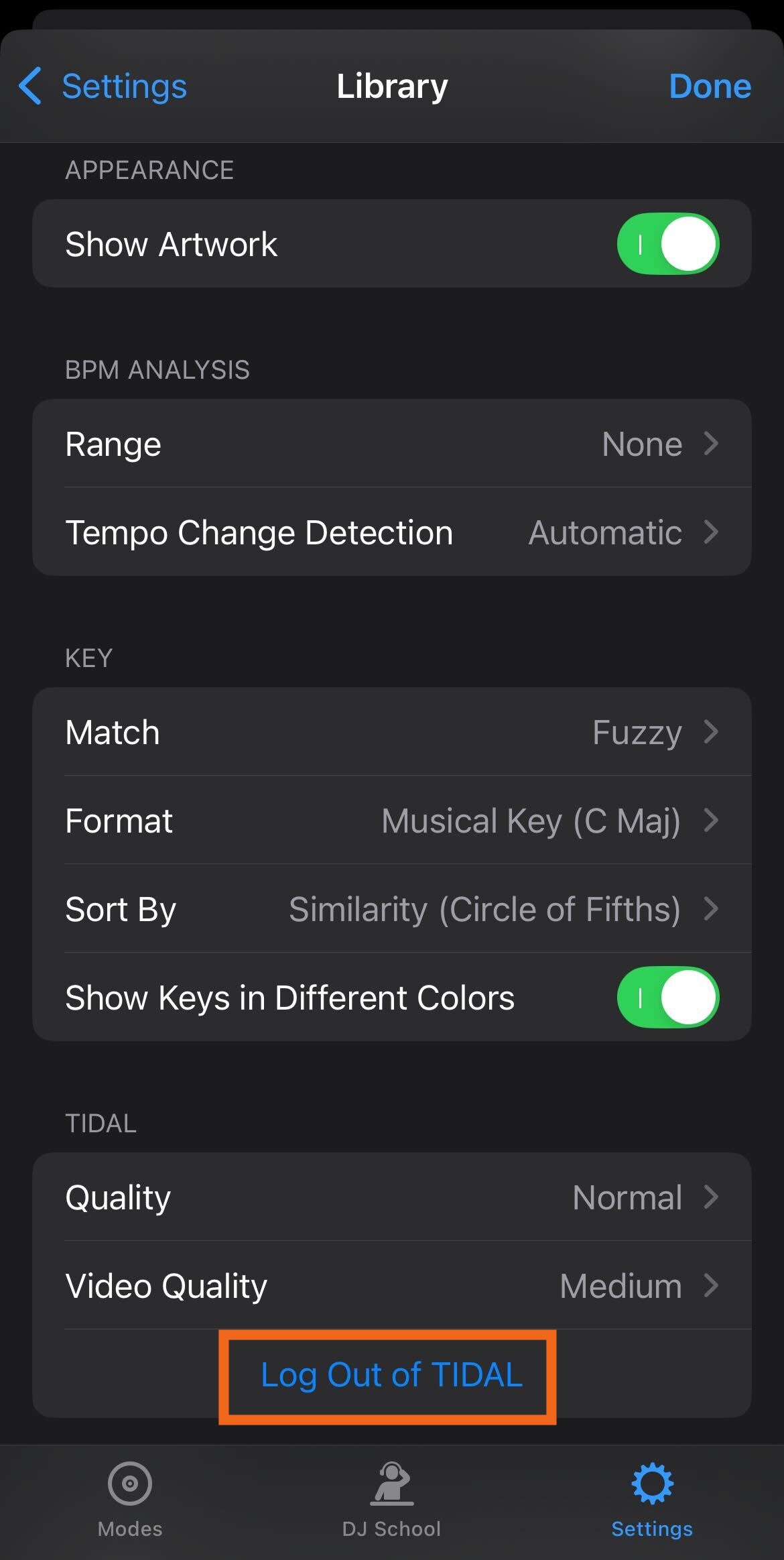
- Tap "Log Out of [Streaming Service]" — in this example, "Log Out of TIDAL".
- To log in again with the same account or a different account, navigate to the streaming service source in djay's music library and tap on "Log in to [Streaming Service]".

Logging out of streaming services via settings
- Tap the three lines at the top of the screen.

- Select "Library" from the menu.
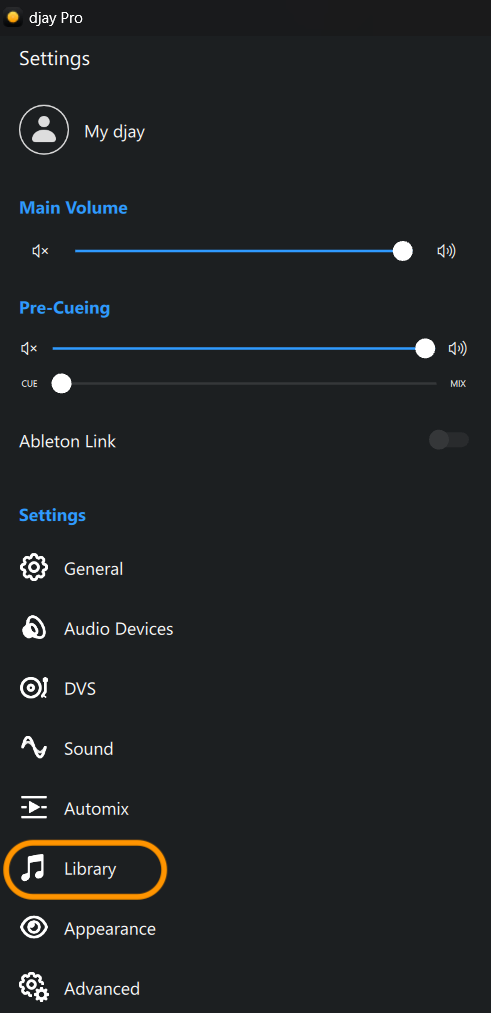
- Click "Log Out of [Streaming Service]" — in this example, "Log Out of Spotify."
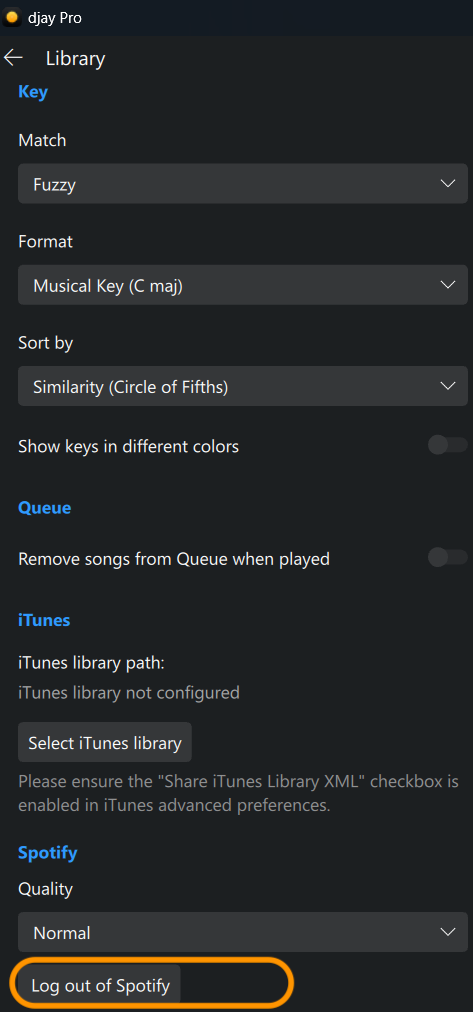
Logging out of streaming services via the source switcher
- In the music library, click on the arrow next to the streaming service.
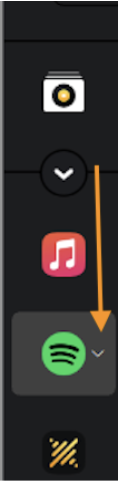
- Click "Log Out of [Streaming Service]" — in this example, "Log Out of Spotify."
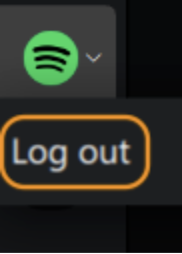
To log in again with the same account or a different account, navigate to the streaming service source in djay's music library and select "Log in to [Streaming Service]."
Logging out of streaming services
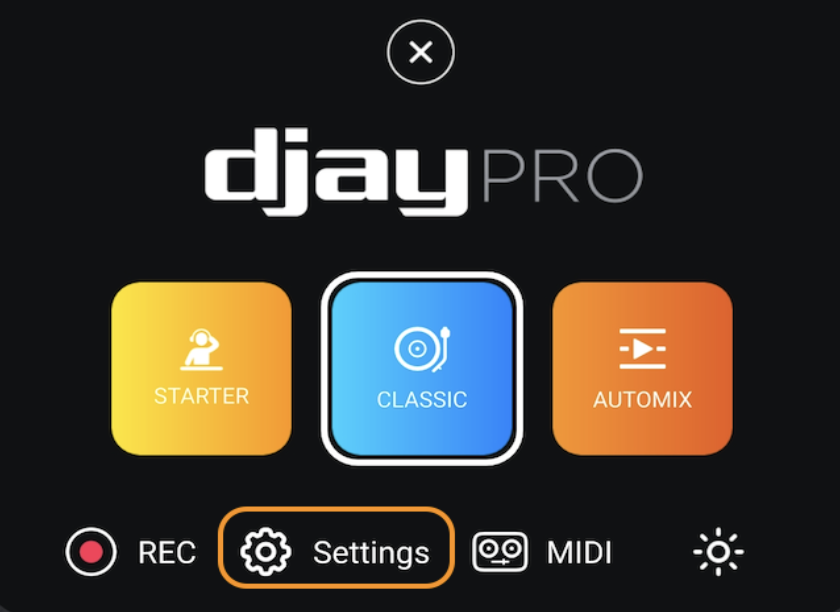
- Open the djay app, click on the Algoriddim logo at the top of the screen, and then select Settings from the main menu.
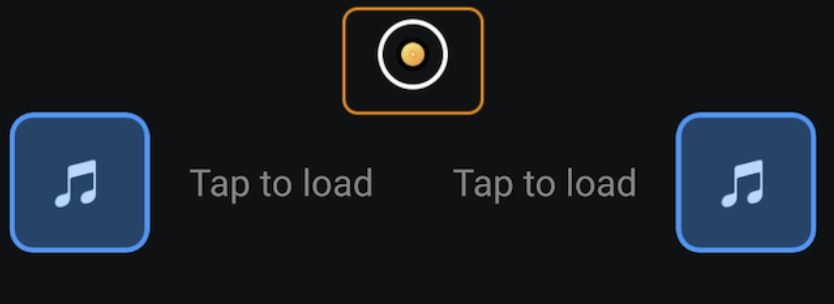
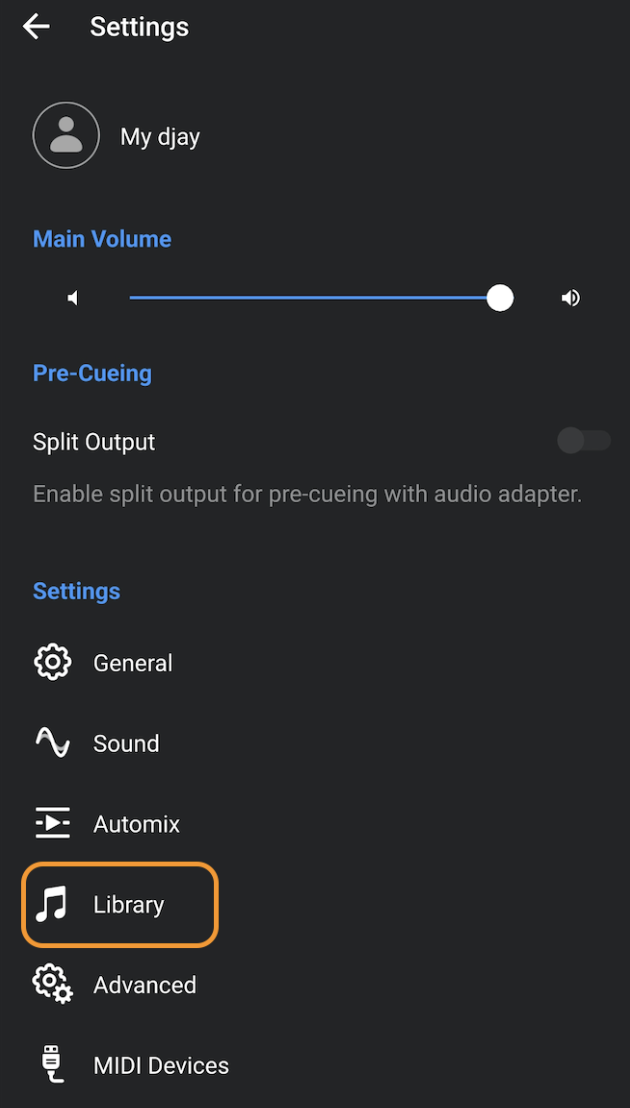
- Next, click Library
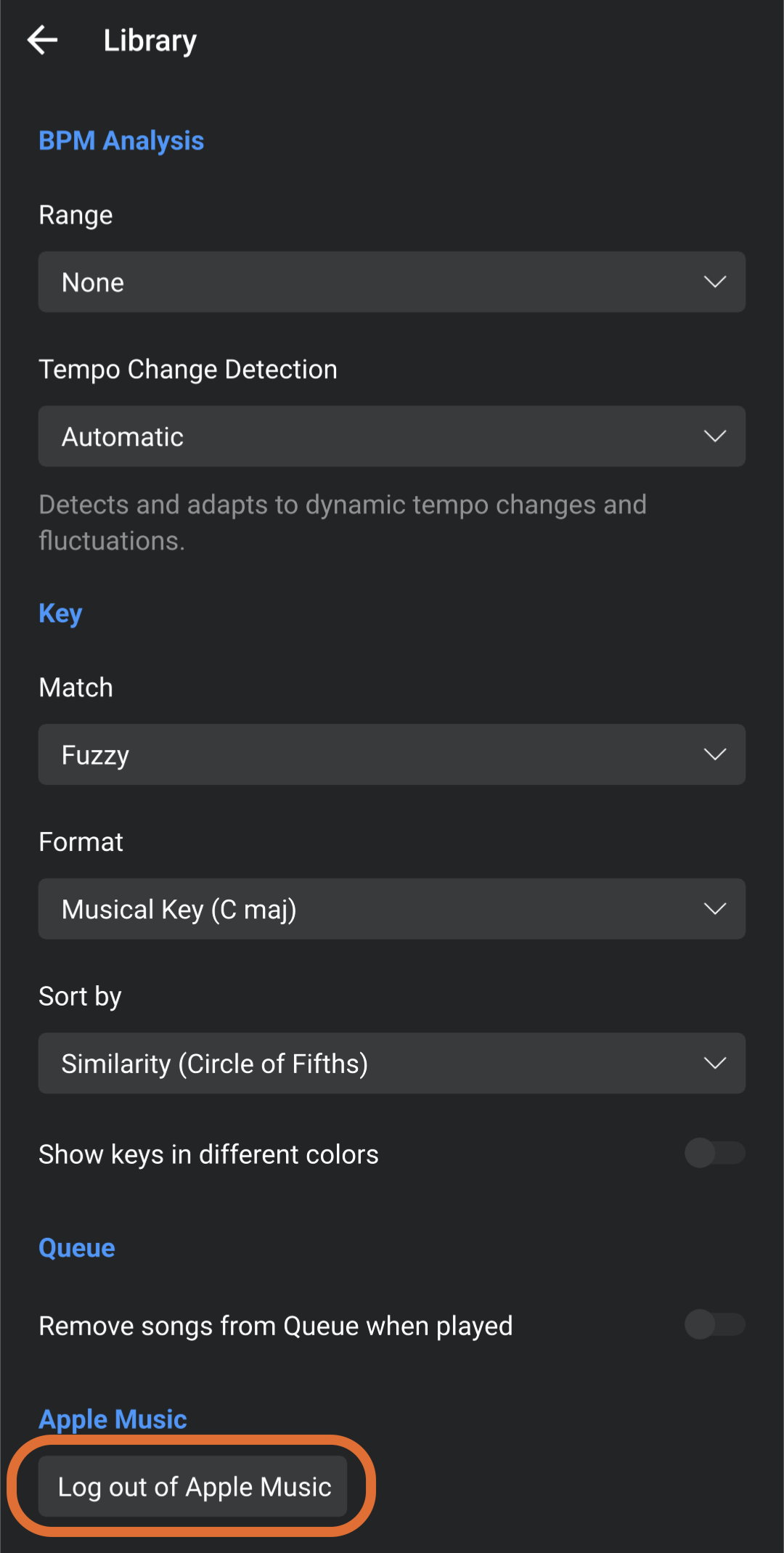
- Finally, click "Log Out of [Streaming Service]" — in this example, "Log out of Apple Music."
To log in again with the same account or a different account, navigate to the streaming service source in djay's music library and select "Log in to [Streaming Service]."
