


Tools bar
The Tools Bar is an alternative, compact view of the main Tools panel. When activated from the main navigation, it appears just below the decks, giving you quick access to essential creative tools without opening the Tools view.

The Tools Bar includes Cue, Loop, Slice, and beatgrid controls—as well as features like Skip, Bounce, and Beatgrid adjustment—mirroring the functionality of the Tools panel beside the decks.
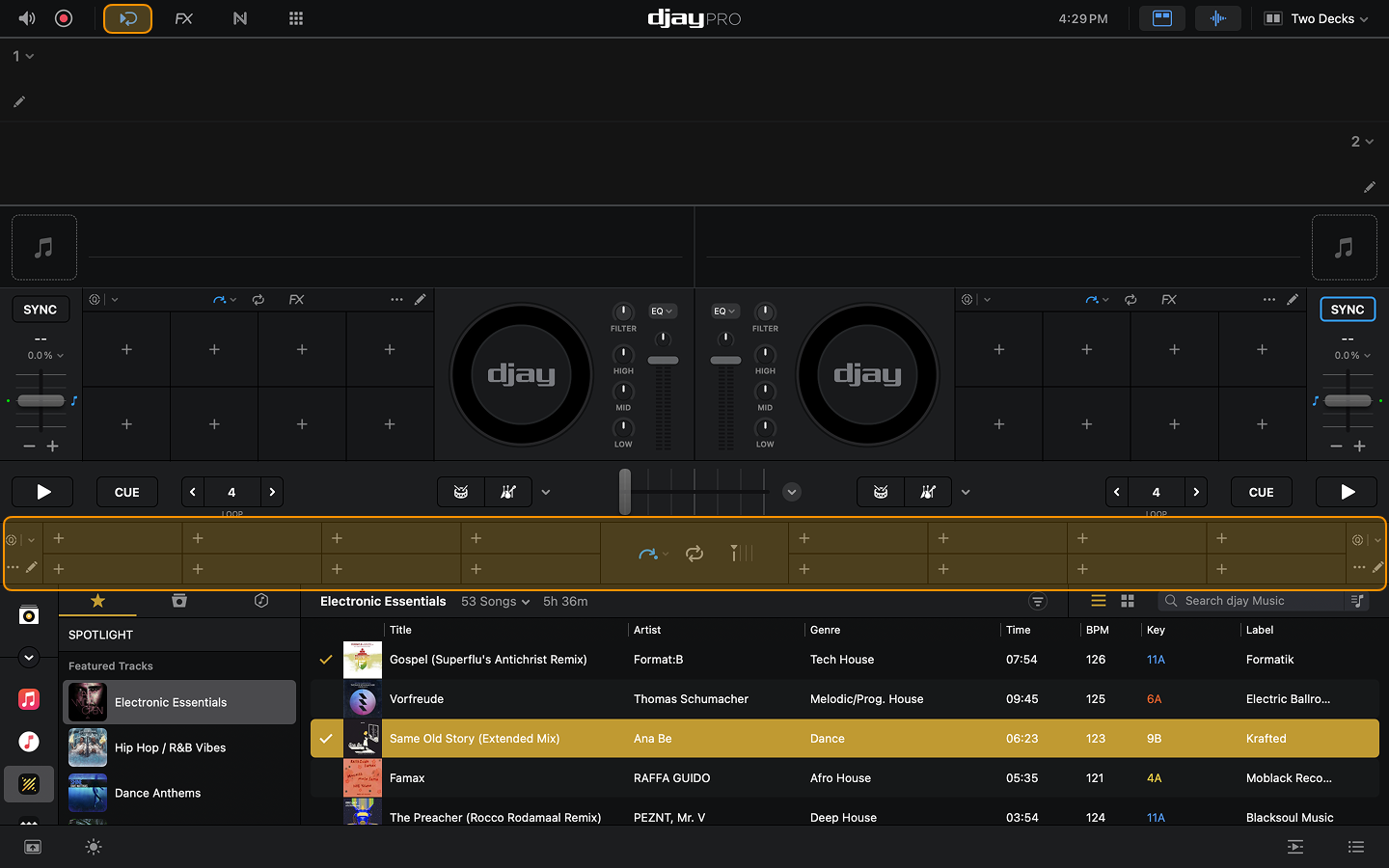
Tools Bar navigation
Use the buttons in the center of the Tools Bar to open Cue Points, Pitch Cue, Slice, Skip, Loops, and the Beatgrid Editor.

Cue points
Access, edit, and manage your cue points in a compact layout. This panel mirrors the cue controls in the Tools view, including quantization settings and timing options.

Pitch Cue
Turn any cue point into a playable set of pads arranged by musical pitch. Select a cue point, and the pads map that point across eight notes in a scale.

Slice
Break the track into eight rhythmic slices, displayed as pads that trigger and repeat their assigned segment while held.

Beat Skip
Jump forward or backward along the beatgrid by selecting the beat length and using the arrow buttons. You can also access the track skip buttons to move to the previous or next track in your playlist or library.

While a loop is active, using Skip Forward or Skip Backward will shift the entire loop by the skip amount.
Saved Loops
Access up to eight saved loops per track. Each loop appears as a pad you can trigger instantly.

Manual (In/Out)
Create loops manually using In and Out points, then fine-tune the loop length using the loop length buttons.

Auto (1-32)
Choose from a range of preset loop lengths for quick, beat-perfect looping from 1 to 32 beats.

Bounce
Trigger short, rhythmic loop stutters that add fills, texture, and movement in perfect sync with the beat.

For more detailed guidance on looping techniques, go to the Loops section.
Beatgrid Editor
Fine-tune the track’s beatgrid directly from the Tools Bar. Adjust downbeats, BPM, and Anchor Points.
Find out more in the Beatgrid Editor section.

Use the Tools Bar to keep essential performance tools at your fingertips while leaving your customized Tools panel open.