Get to know the Dashboard
The Dashboard is your main hub for navigating djay’s features—from switching deck views to recording mixes, connecting hardware, and accessing settings.
Tap the Dashboard button to open the main menu.

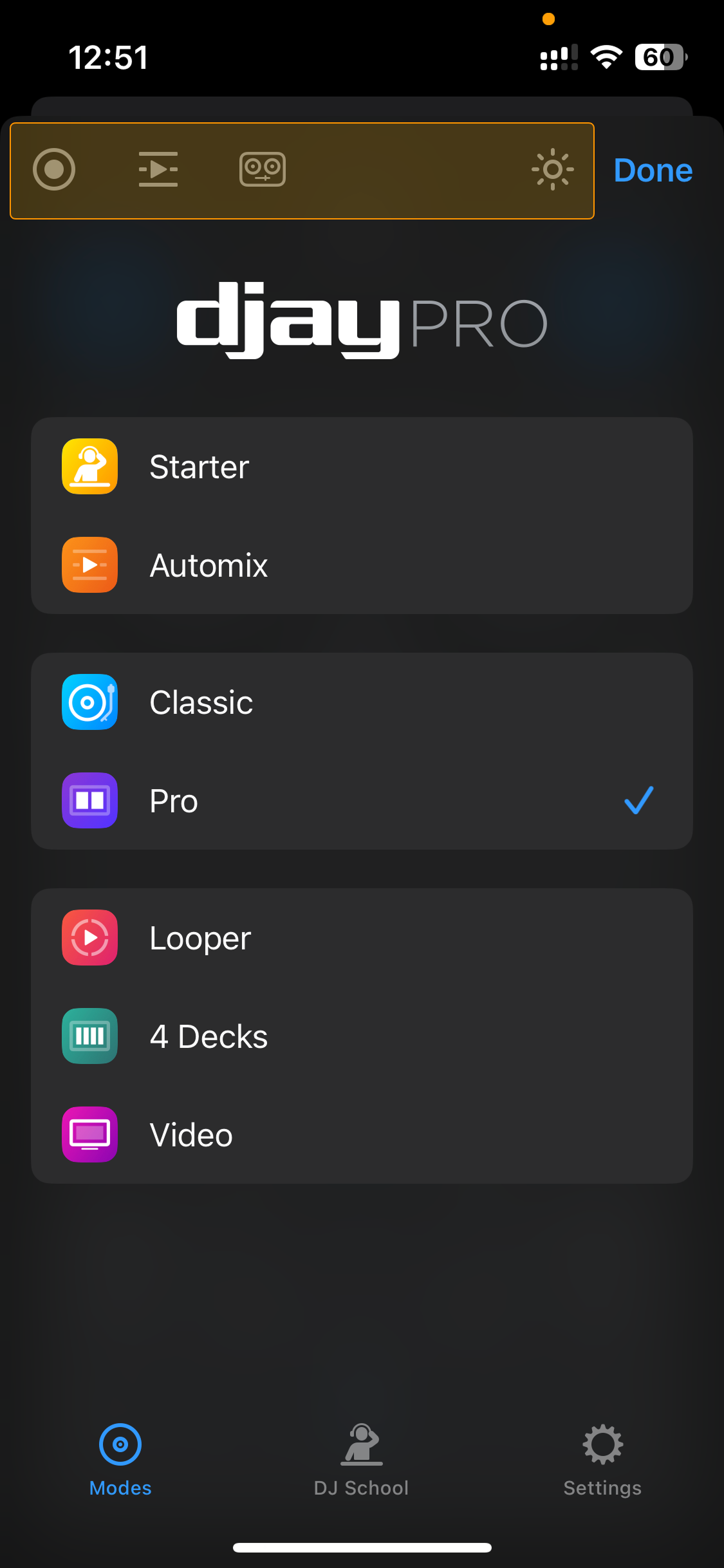
At the top of the menu, you’ll find quick shortcuts for:
- Audio + Video recording: Start recording an audio or video mix. Learn more in the Record a mix section.
- Automix: Automatically creates seamless mixes. Learn more in the Automix section.
- Connecting hardware: Quickly connects a MIDI controller. Find out more in the Connecting hardware section.
- Light/Dark mode: Quickly toggle between light and dark mode.
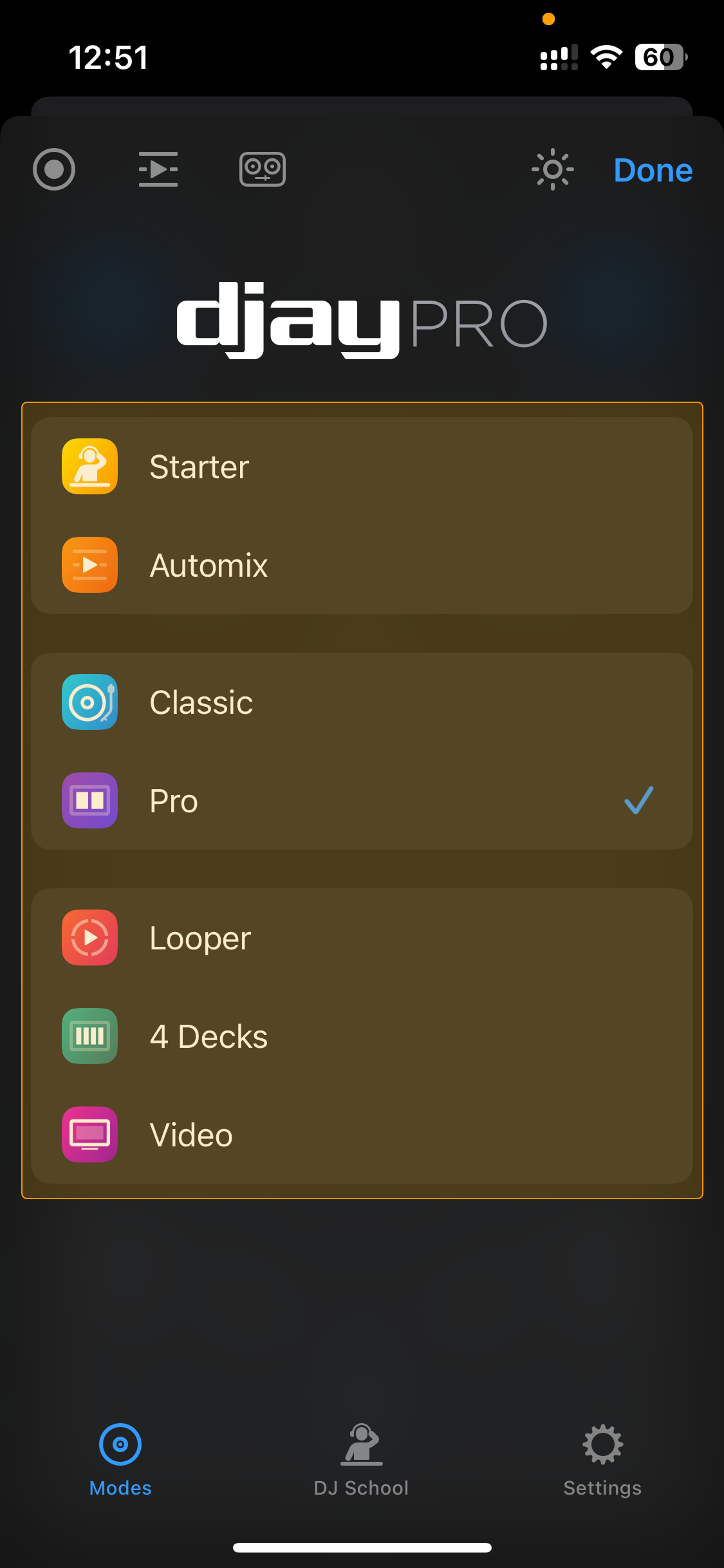
The central section shows djay’s view modes, letting you choose the layout that fits your style and setup. You can switch between options like Starter, Classic, Pro, Looper, and more.
Find out more in the Deck views section.
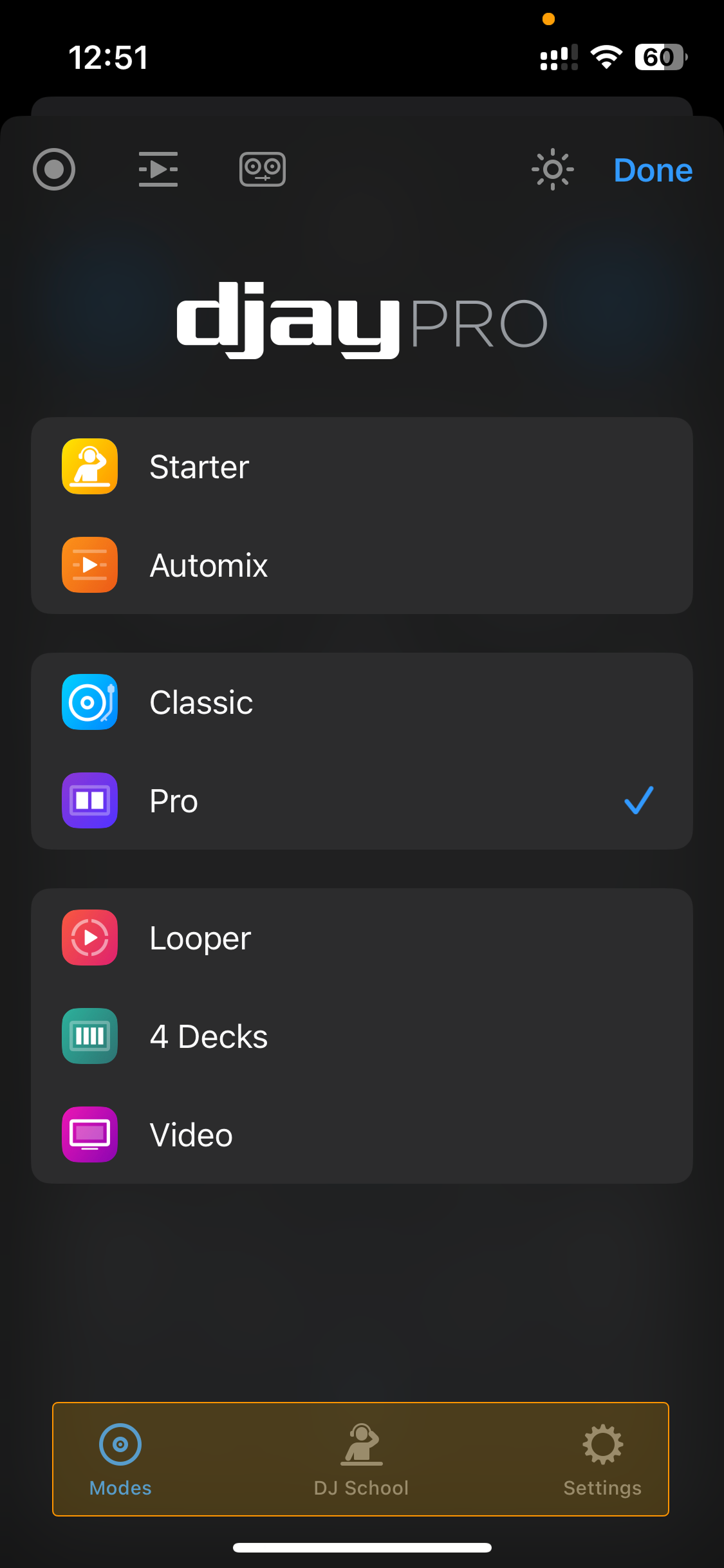
At the bottom, you’ll find additional options:
- Modes: Return to the main Dashboard menu.
- DJ School: Watch video tutorials designed for djay on iPhone. Learn more in the DJ School section.
- Settings: Access all of djay’s settings. Find out more in the Customization and settings section.