


View your history
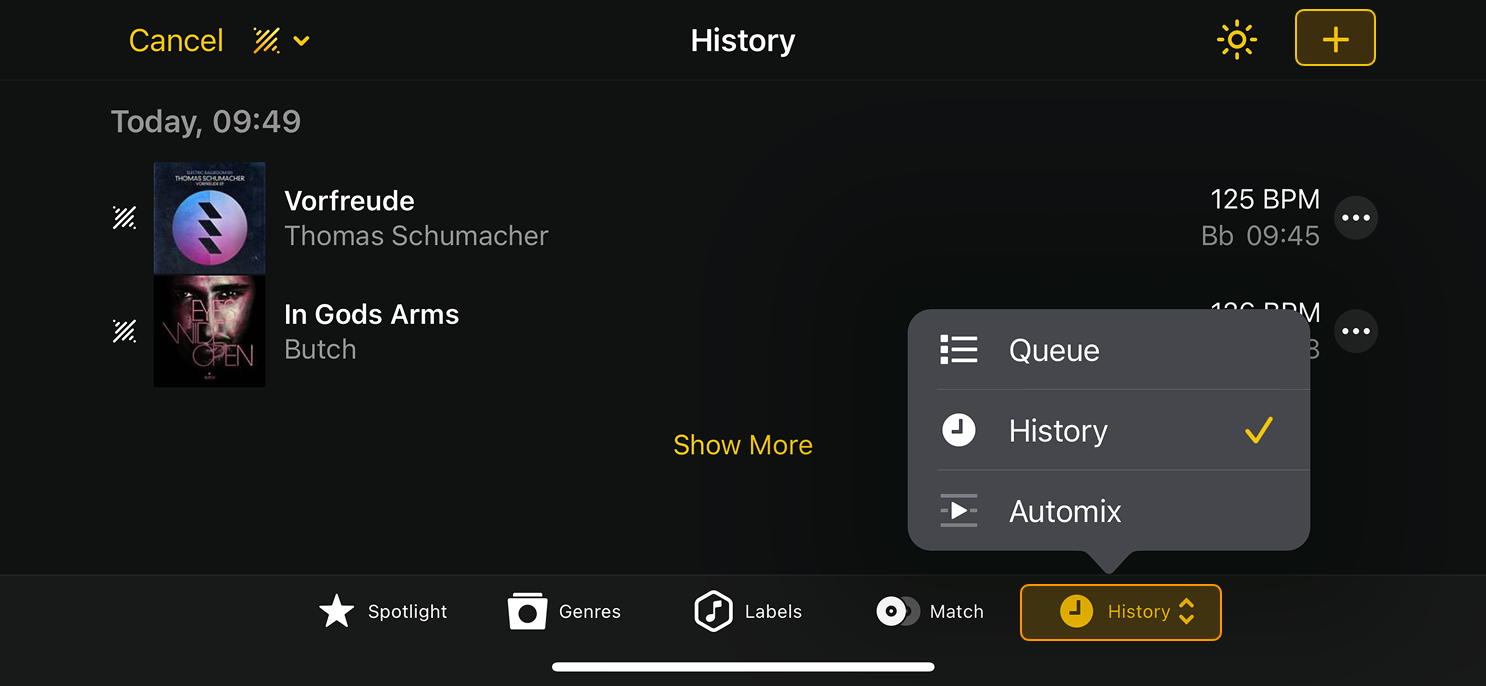
History gives you a running record of the tracks you’ve played. Each tracklist is saved by date, making it easy to review your setlists, revisit standout moments, or pick up right where you left off.
Viewing history
- Open the library dropdown.
- Tap the History menu to view the tracks you’ve played.
How to start a new history session manually
- Go to the History tab.
- Tap the + icon at the top right of the screen.