


Find tracks with Shazam
djay includes Shazam built-in, letting you identify songs in real time and mix them instantly. It’s perfect for back-to-back sets, discovering new music, or capturing inspiration while jamming with friends.
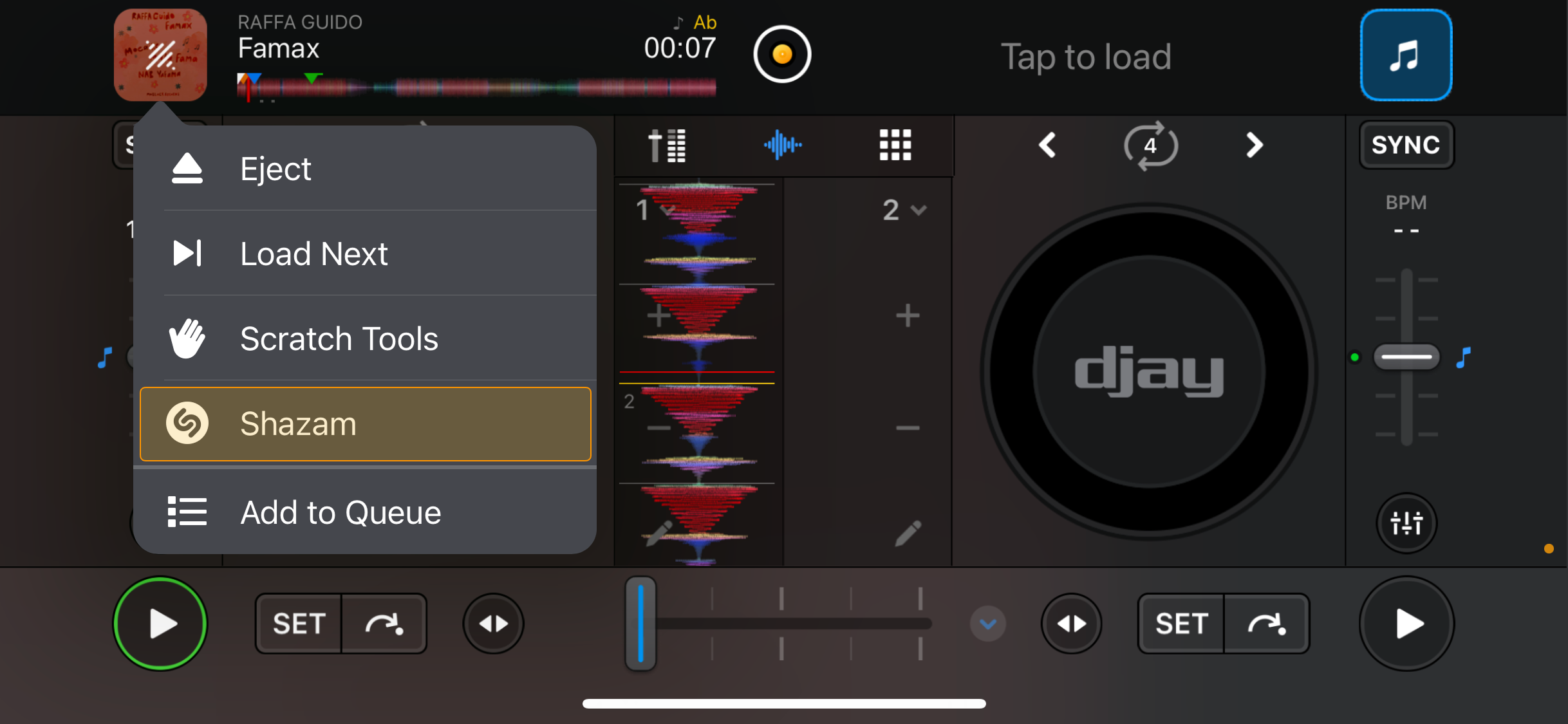
How to use Shazam in djay
- Tap and hold the load track button.
- Tap Shazam to identify the music playing through your device’s microphone.
- Once Shazam finds the track, choose one of the following:
- Mix now: Loads the track into the deck from the point where it was heard.
- Match: Loads the track from the start and opens a related playlist using djay’s Match feature.

note
To use Shazam, djay needs permission to access your microphone. You’ll also need to be logged in to a supported streaming service to identify and match tracks.