


Beat skip
Skip lets you jump cleanly through a track while staying on beat. It’s useful for quickly finding sections during prep or skipping ahead in a live set without losing the groove.
Set how many beats you want to jump (from 1 to 128 beats), then use the skip arrows to move forward or backward by that amount.
note
While a loop is active, using Skip Forward or Skip Backward will shift the entire loop by the skip amount.
You can also set custom Automix start and end points to control where tracks blend during Automix.
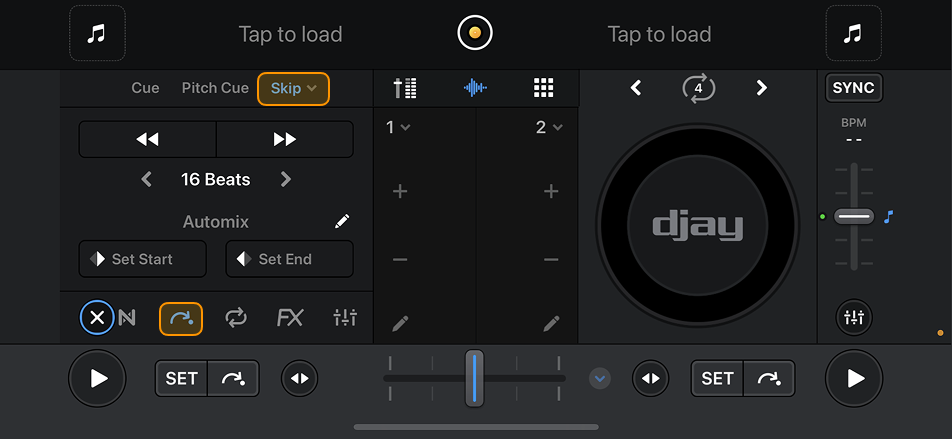
Tap the dropdown menu next to Skip to access the Slice and Edit beatgrid options. These features are explained in their own sections elsewhere in the manual.
