Adding to Queue
The Queue helps you line up upcoming tracks so you can plan transitions and stay focused on your mix.
Queue shows what’s playing now and what’s coming up next, giving you a clear view of your set without interrupting your flow.
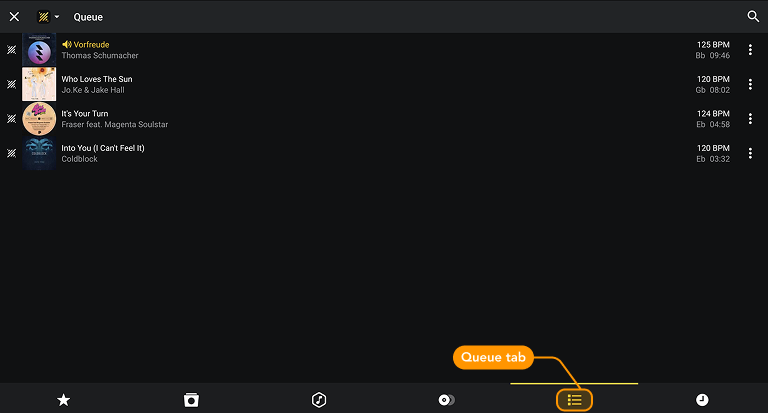
Accessing and adding tracks to the queue
- Select a library and tap the Queue tab at the bottom of the screen.
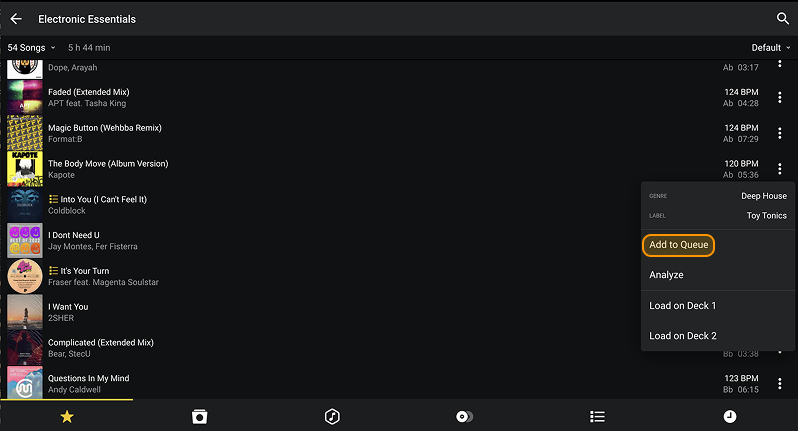
- To add a track, open the track’s three-dot menu and tap Add to Queue. You can add tracks from libraries, playlists, or search results.