Navigating the music library
Your library is the heart of djay. It brings together all your tracks from your collection and streaming services.
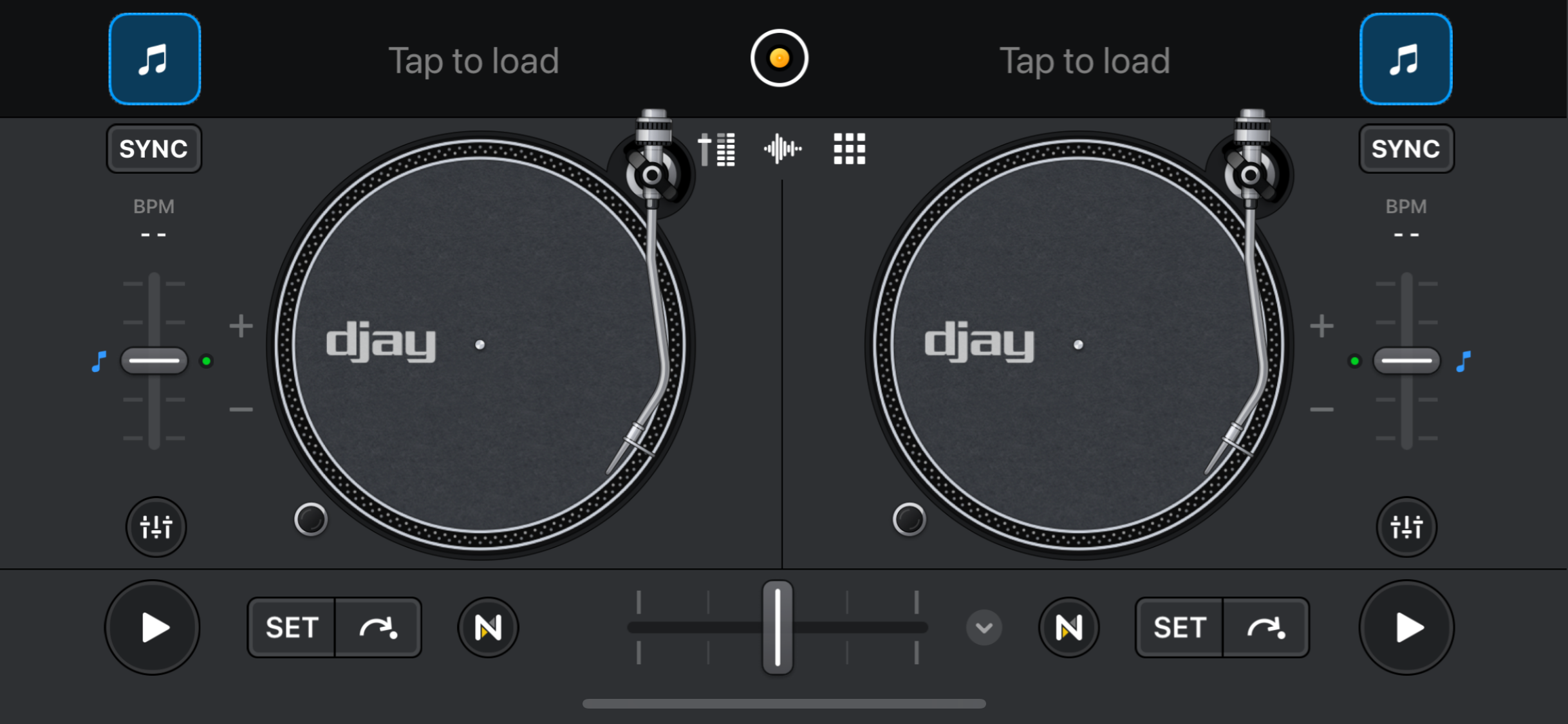
All of your music is shown in the library browser, which you can open by tapping the musical note icon on an empty deck.
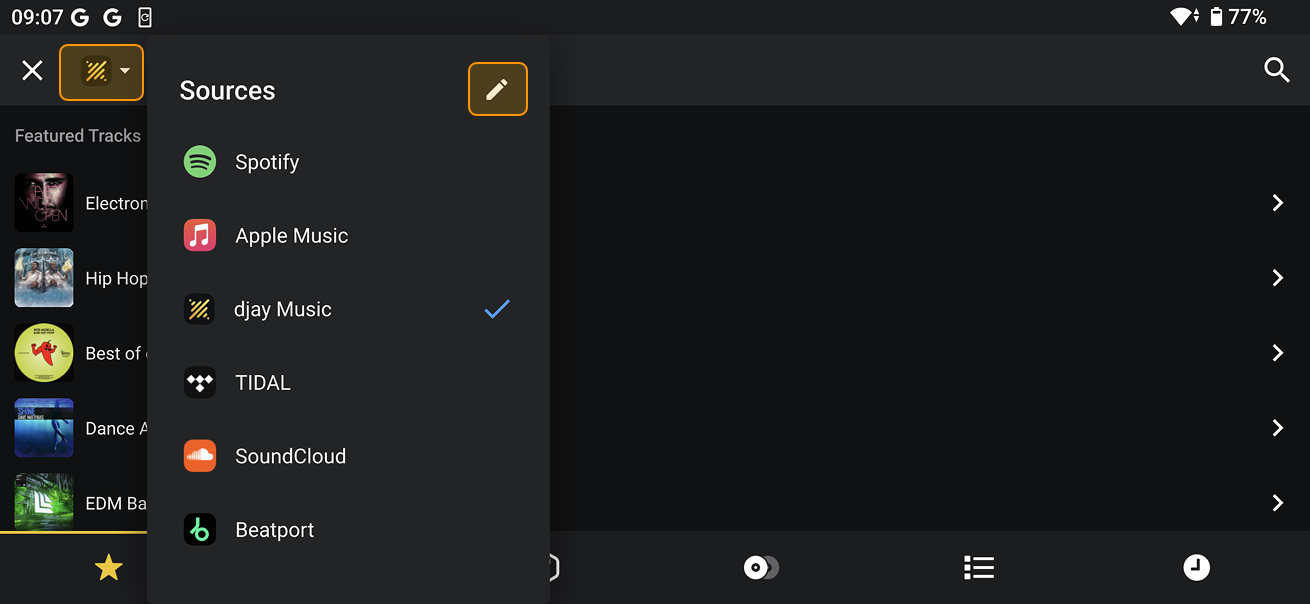
You can access music from your own collection, streaming services, or djay music by tapping the sources dropdown menu in the top-left corner of the screen.
Tap the pencil icon to show or hide libraries by toggling them on or off.