Adding music files
The Files collection gives you direct access to your personal music stored in folders on your device or via connected USB drives, making it easy to mix tracks that aren’t part of a streaming service or other connected music library.
Accessing your files
- If adding music files from a USB drive, connect your external drive (USB stick, hard drive, etc.) to your Android device using a compatible OTG adapter.
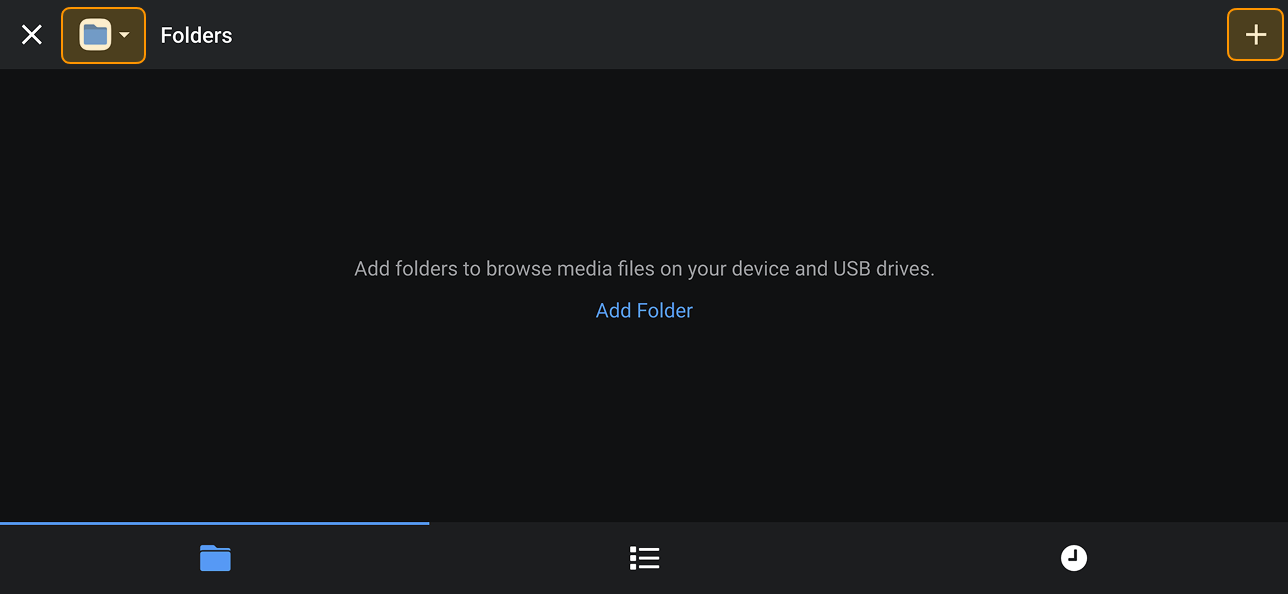
- In djay, open Files tab in the library browser and tap Add Folder or the + icon in the upper-right corner.
- Tap Add Folder.
- When the system pop-up appears, navigate to the the folder you want to add.
- Tap Use this folder to confirm.
- If prompted, grant djay permission by tapping Allow.
- The folder will now appear in your Files collection, with all tracks ready to load into your decks.