


Volume and output settings
Managing your volume and pre-cueing is key to sounding great, whether you’re practicing at home or performing live. This section walks you through the essential settings so you can tailor your setup to match your gear, your environment, and your workflow.
Adjusting the main volume
- Tap the Dashboard button.
- Tap the Settings tab.
- Move the Main volume slider to adjust the output level.
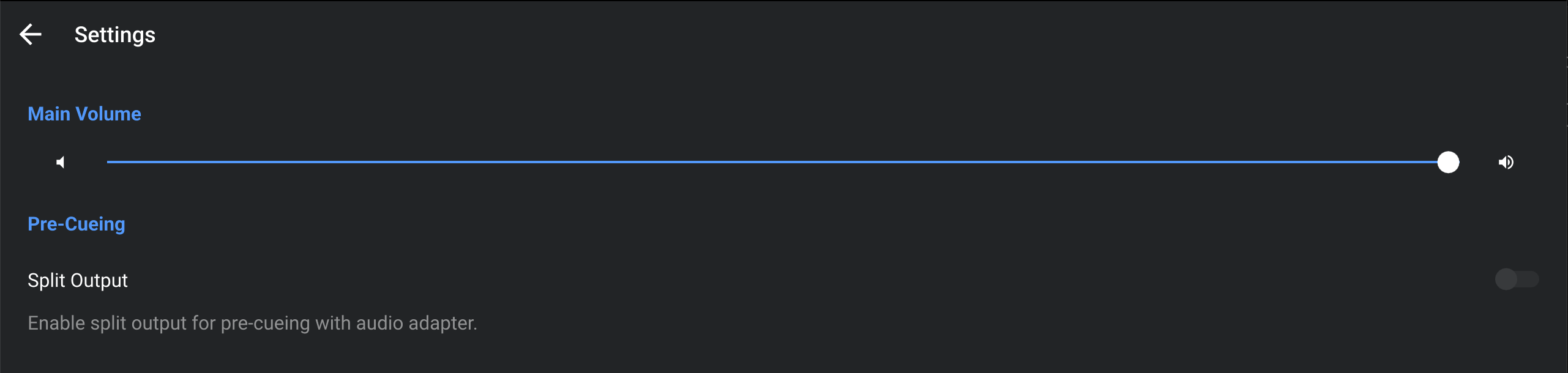
Pre-cueing
There are two ways to pre-cue tracks:
- Use Split Output with a stereo/mono DJ split cable
- Connect an supported audio interface or DJ controller
Learn more in the Audio setup and pre-cueing section.
When pre-cueing, you can adjust the volume for headphone monitoring, use the Cue/Mix knob to balance how much of the cued track vs. the main mix you hear in your headphones, and enable Split Cue to hear the cued track in one ear and the main mix in the other.