


Installing djay
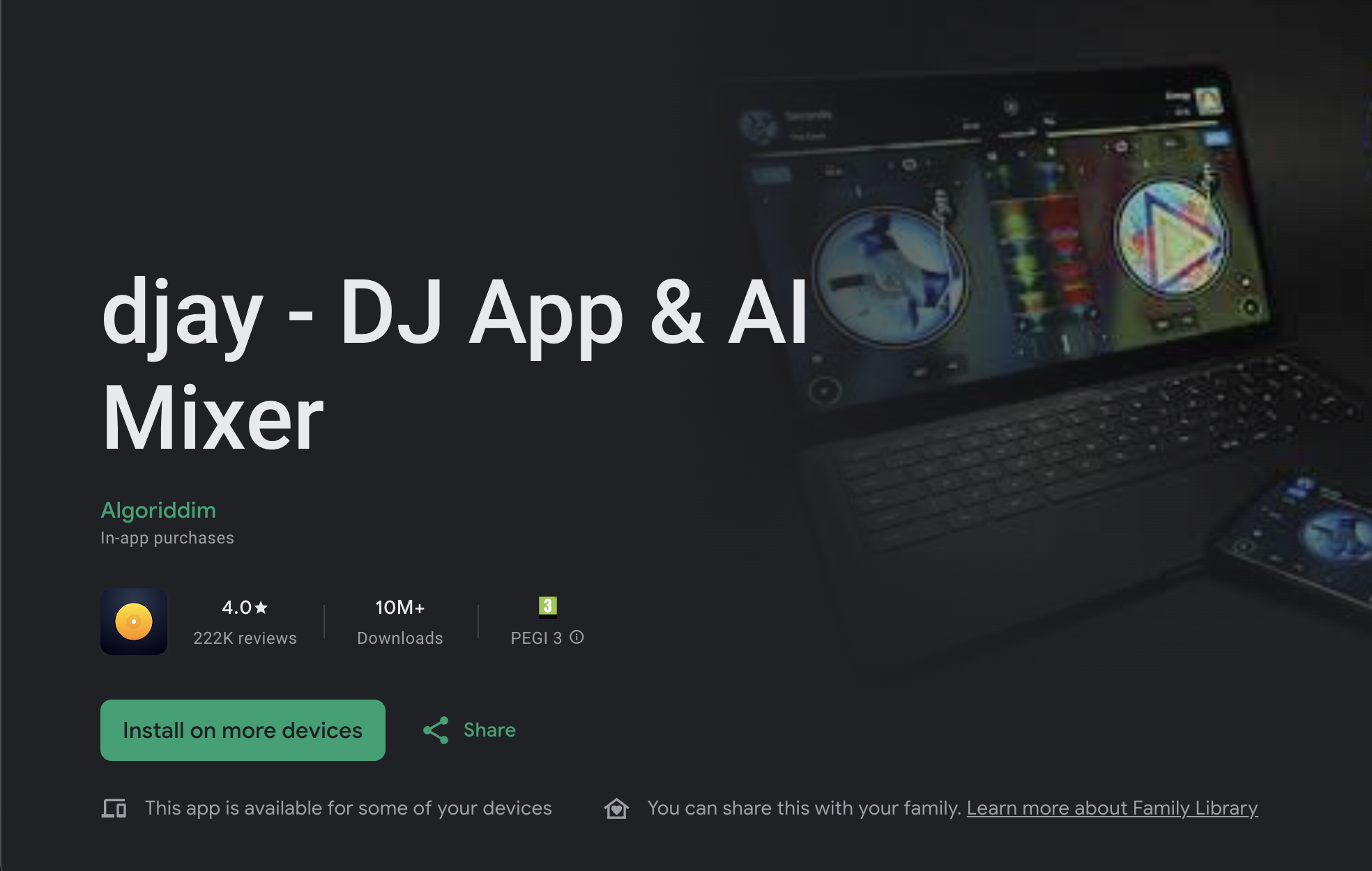
Download djay for free from the Google Play Store to get started.
The app includes a free version with essential DJ tools, as well as a PRO subscription that unlocks advanced features for performance and creative mixing.
How to download the app
- Open the Google Play Store on your Android device.
- Sign in with your Google Account.
- Search for djay.
- Tap Install to download.
If you start a PRO subscription, it is linked to your Google Account. With djay version 5.0 and later, your PRO subscription can be used on up to five devices across Android, macOS, iPhone, iPad, and Windows when signed in with your djay account.