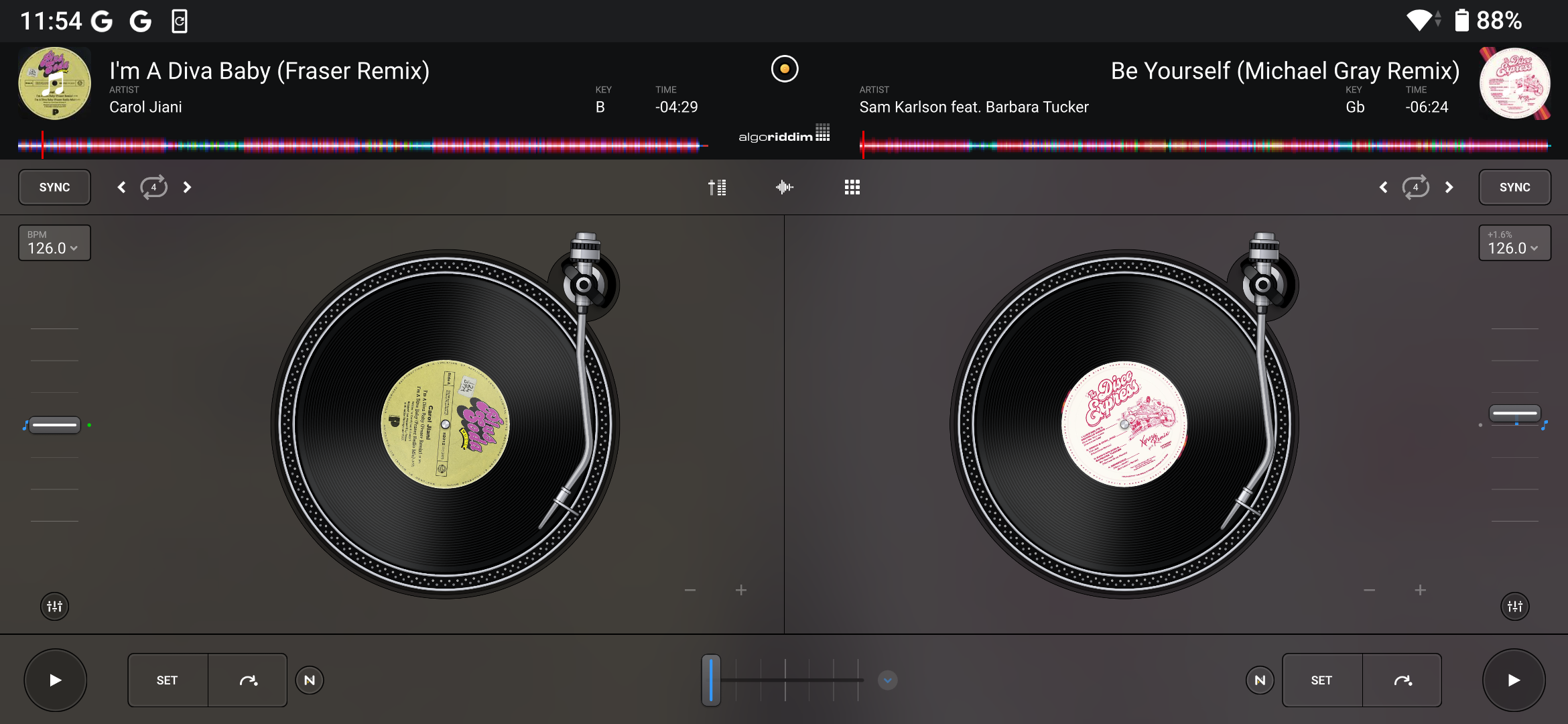
Deck views
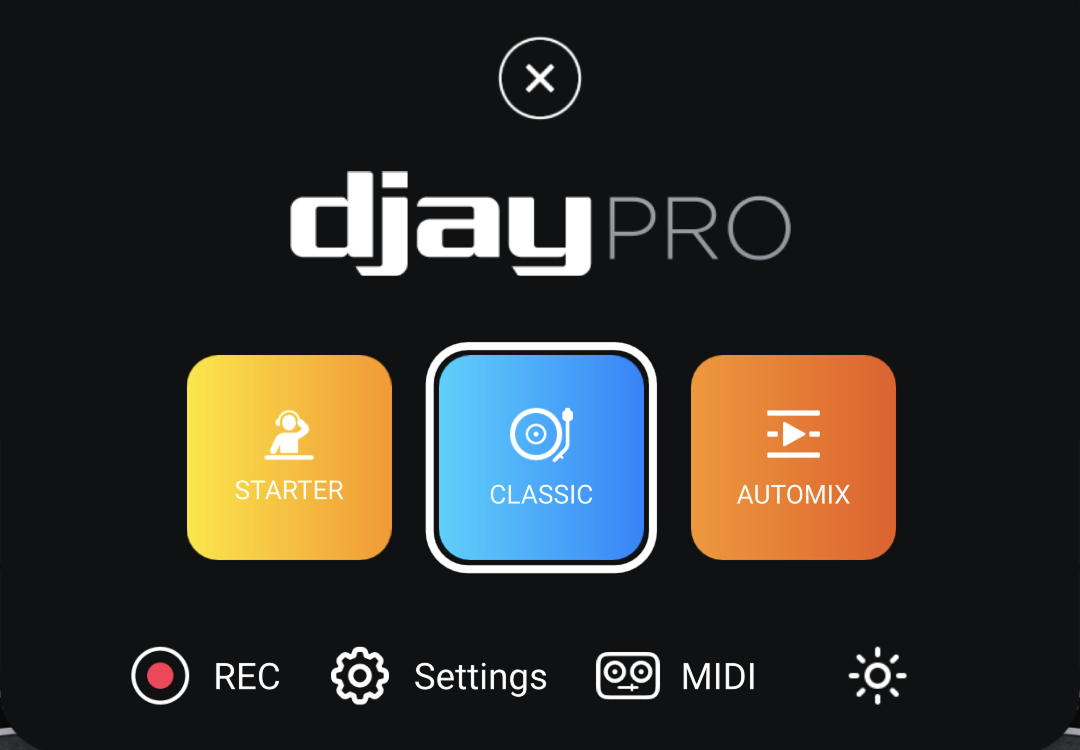
djay offers multiple deck views so you can choose the layout that best fits your style, needs, and setup. You can switch between them via the Dashboard. djay also adapts to your device orientation, whether vertical or horizontal.
Positioning your device horizontally provides more screen space and mimics the standard DJ layout, which can make mixing easier.
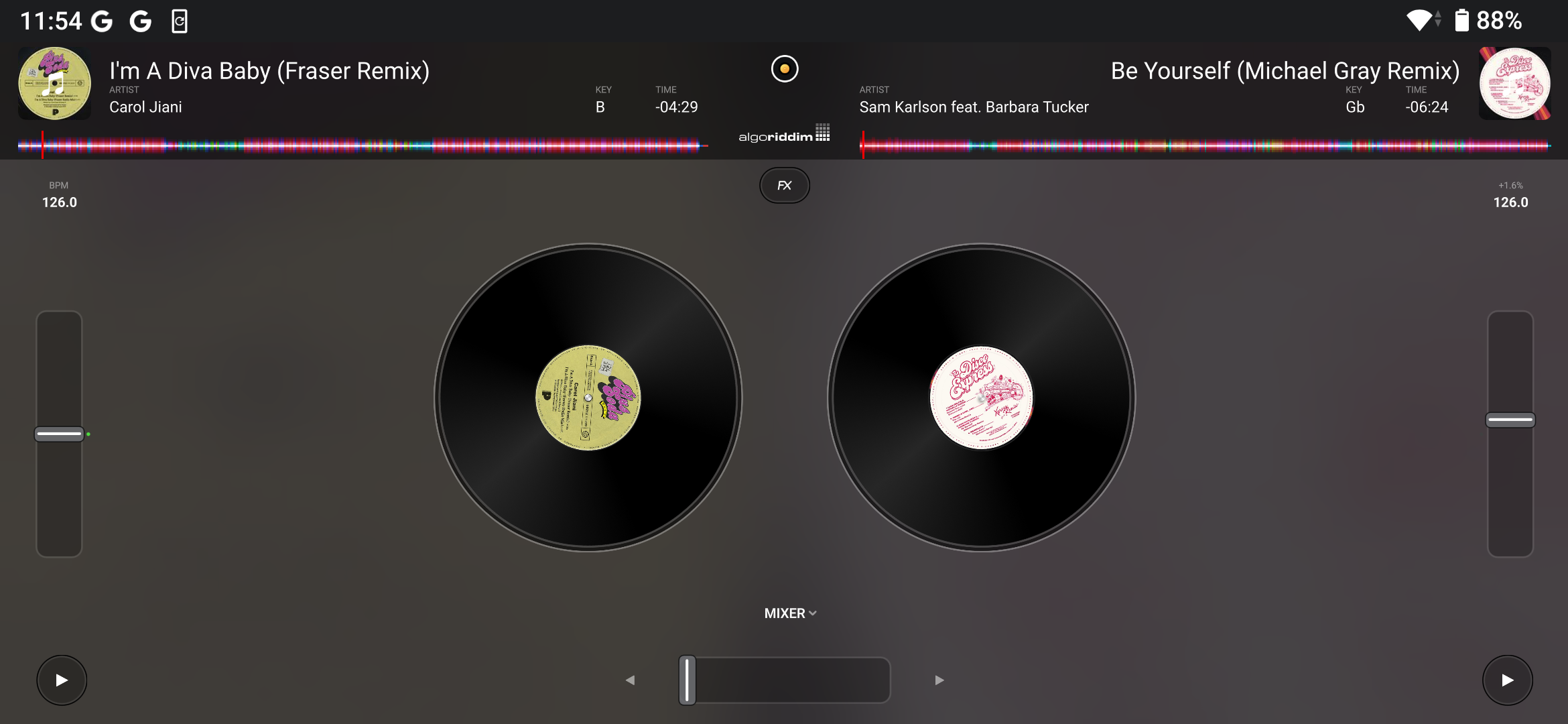
Starter
The Starter view simplifies the interface by focusing on essential functions. It’s designed to help new DJs learn the basics while still offering smooth transitions. When using the crossfader, tracks are automatically tempo-blended.
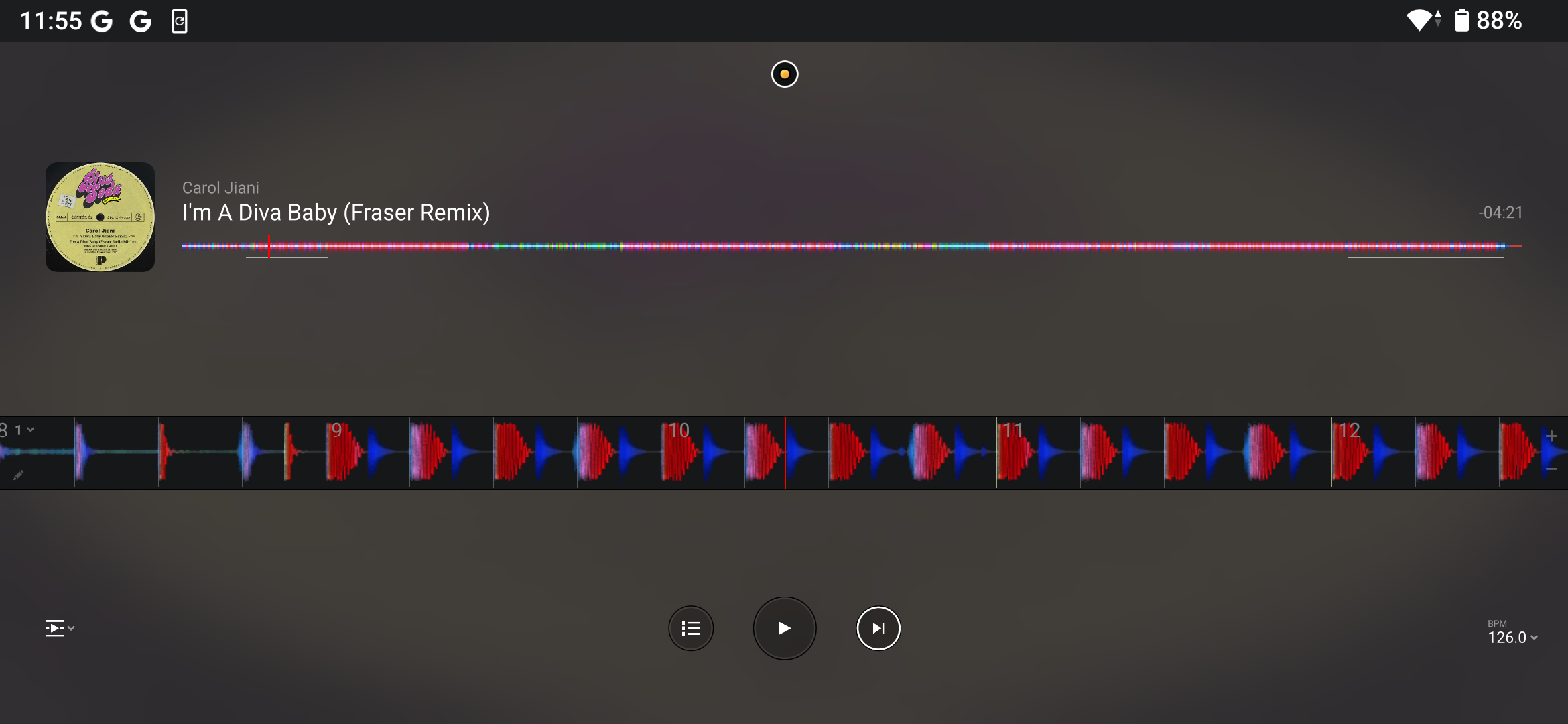
Automix
Automix creates seamless mixes automatically by analyzing tracks and selecting transition points. It’s useful for building continuous background music or for getting started quickly.
Go to the Automix section for more details.
Classic
The default Classic view displays decks as virtual turntables, emulating the feel of a vinyl setup to build familiarity.