


Neural Mix™ tracks
The Neural Mix™ tracks let you choose how many stems to display, giving you the right balance of simplicity or detailed control for your mix.
How to choose Neural Mix™ tracks
- Open Tools.
- Tap the Neural Mix™ icon.
- Use the dropdown menu to select two, three, or four stems.
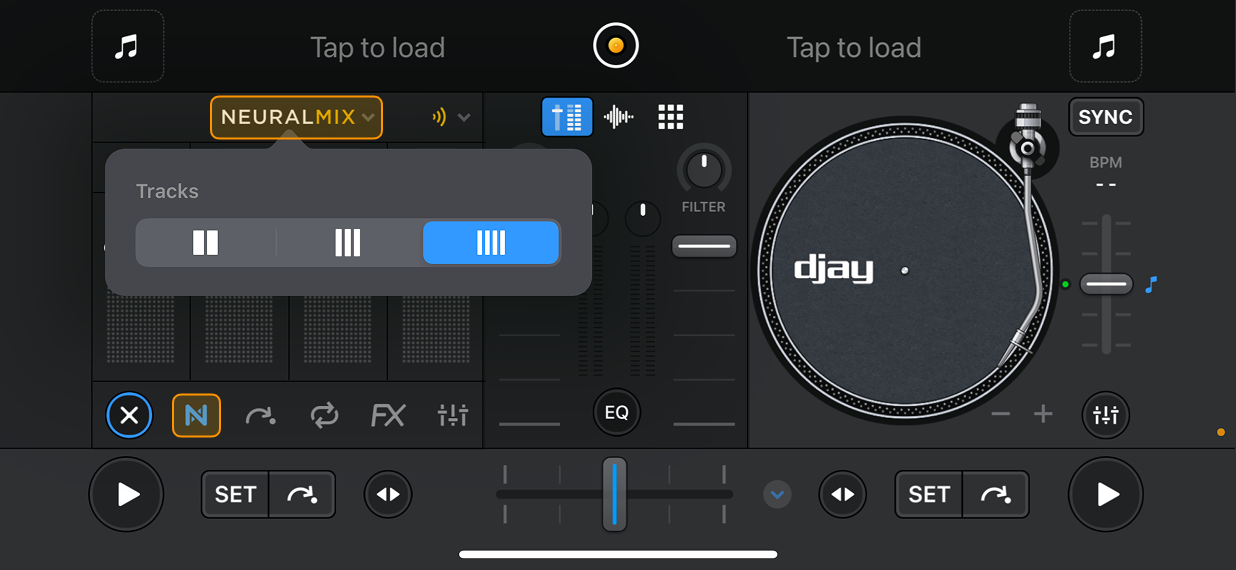
Two stems
Groups controls into:
- Instrumental & Acapella
- Percussive & Tonal
Three stems
Choose between:
- Drums & Harmonic & Vocals
- Drums & Bass & Melodic
Four stems
Displays all available elements:
Drums, Bass, Harmonic, and Vocals
tip
You can mute, solo, and adjust the volume of each stem from the instrument stem controls section.