Using multiple MIDI mappings
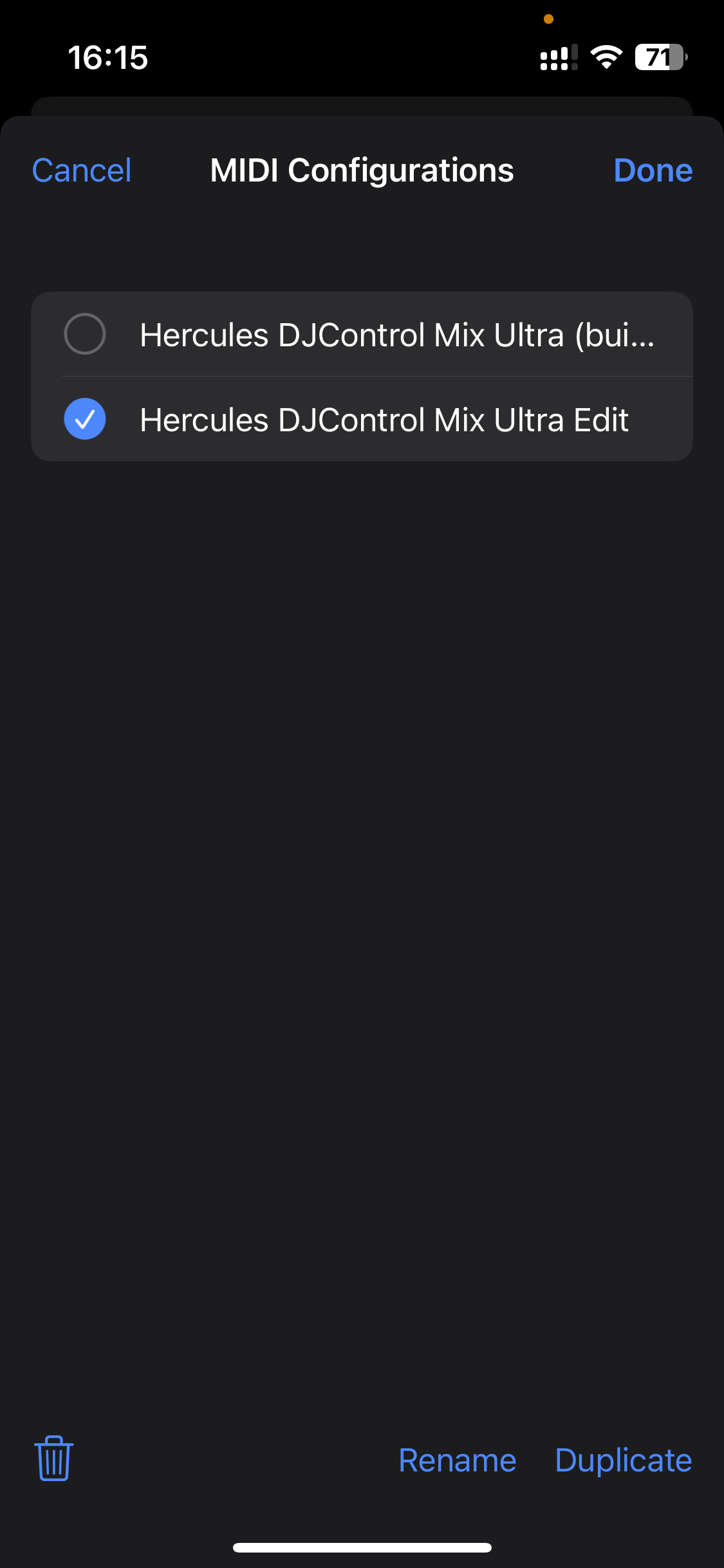
djay lets you save multiple MIDI mapping configurations for a single controller. This is useful if you want to switch between different setups—for example, one for triggering samples and another for controlling FX or loops.
Switching between configurations is quick and can be done directly in the MIDI Configurations window.
How to create an alternate configuration
- Go to Settings > MIDI Devices.
- Tap the controller name you want to configure.
- Tap the configuration you want to duplicate.
- Tap Edit, then select the configuration and choose Duplicate.
- Tap Rename to give your new configuration a custom name (Optional).