


Video effects
Video effects apply only to the visual part of a track. You can use them on videos with sound, but the FX will only affect the video, not the audio.
You can chain up to two effects per deck, including a mix of audio and video FX (A/V).
How to access video effects
- Tap the effect name in the Effects section.
- Tap the Visual tab.
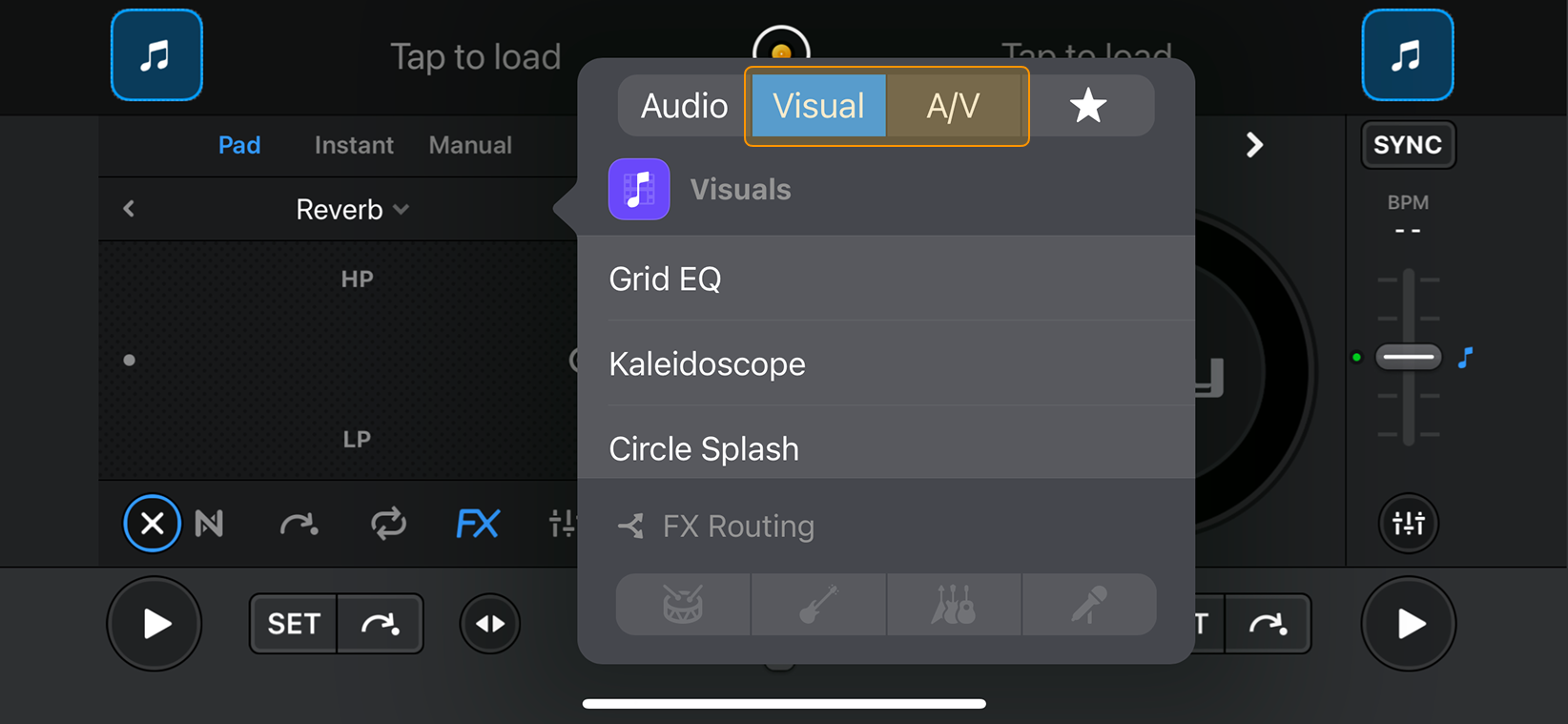
How to access A/V effects
Audio-visual (A/V) effects apply to both audio and video at the same time, creating fully synchronized effects. You can also use A/V effects on audio-only or video-only tracks.
- Tap the effect name in the Effects section.
- Tap the A/V tab.
note
You can't use FX routing with visual effects.