


Main out effects
Main Out effects let you apply third-party audio plug-ins—called Audio Units (AU)—to your master output. These are powerful tools that can shape your entire mix with studio-quality sound processing, such as mastering effects, unique filters, or creative textures.
Audio Units work like virtual hardware you can load directly into djay. You can use them in addition to djay’s built-in effects, making them great for DJs who want to customize their sound or apply a signature touch across the whole set.
Only one Audio Unit effect can be active at a time.
How to use main out effects
- Go to Dashboard > Settings.
- Tap Main Out Effect.
- Select an Audio Unit from the list.
Audio Unit effects are applied to the main output. Each effect’s parameters can be changed by tapping the effect in the list.
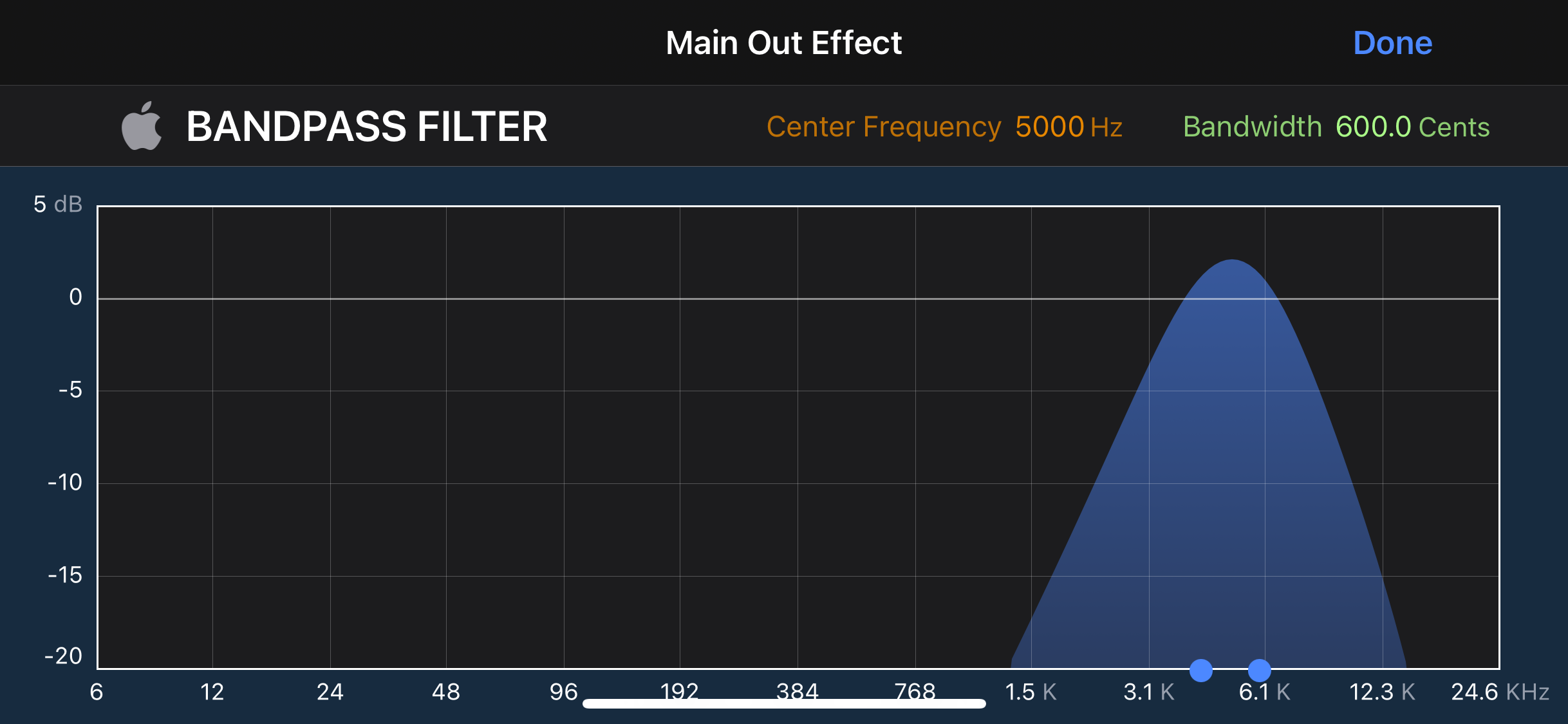
You can download Audio Units from the iOS App Store which will be added to the list of built-in plugins.
Main effects are ignored while in external mixer mode.