


Adding effects to your favorites
If there are effects you use all the time, you can save them as Favorites for quick access. This makes it easy to keep your go-to FX ready in one place, so you can focus on performing instead of searching through menus.
Keep your go-to effects within easy reach using the Favorites tab.
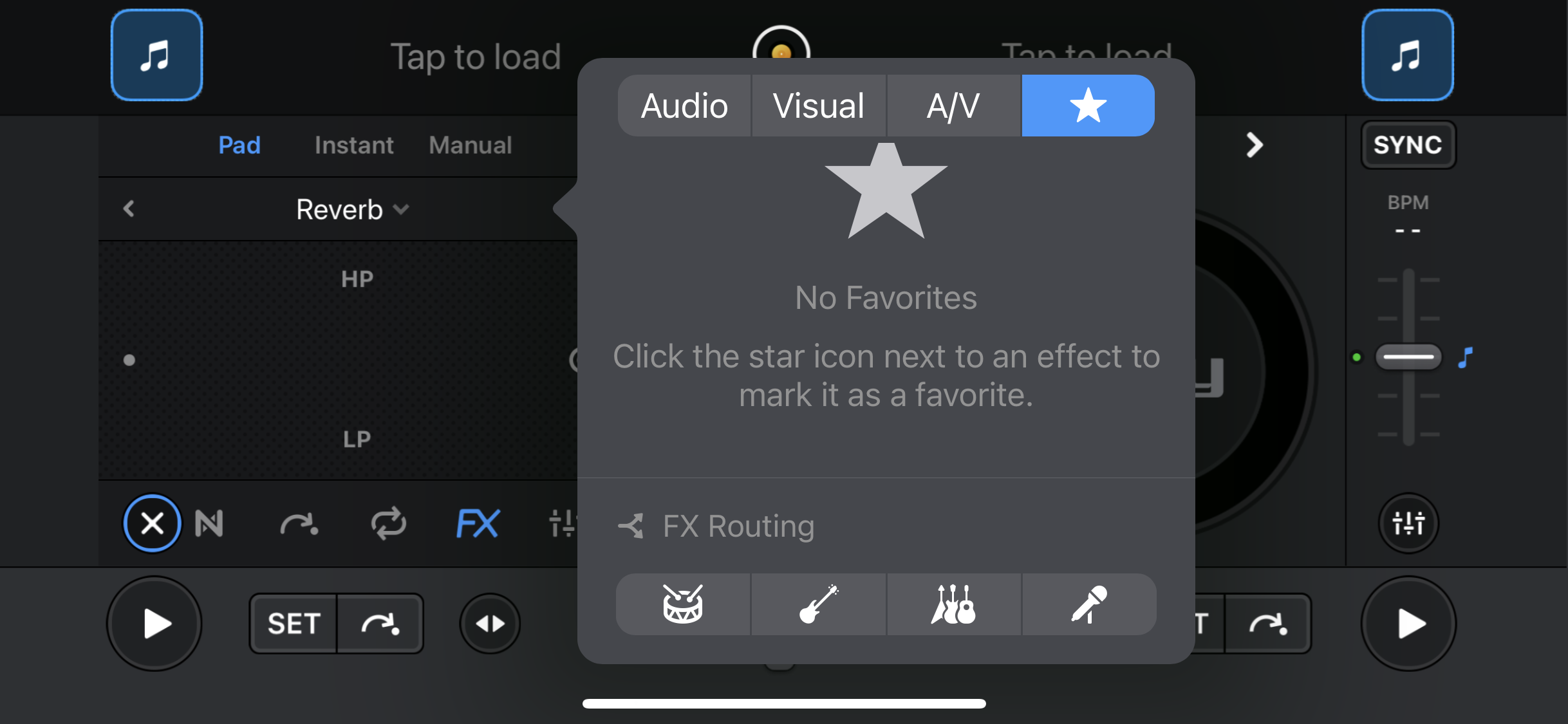
How to add an effect to your favorites
- Swipe left on the effect name.
- Tap the Favorite button.
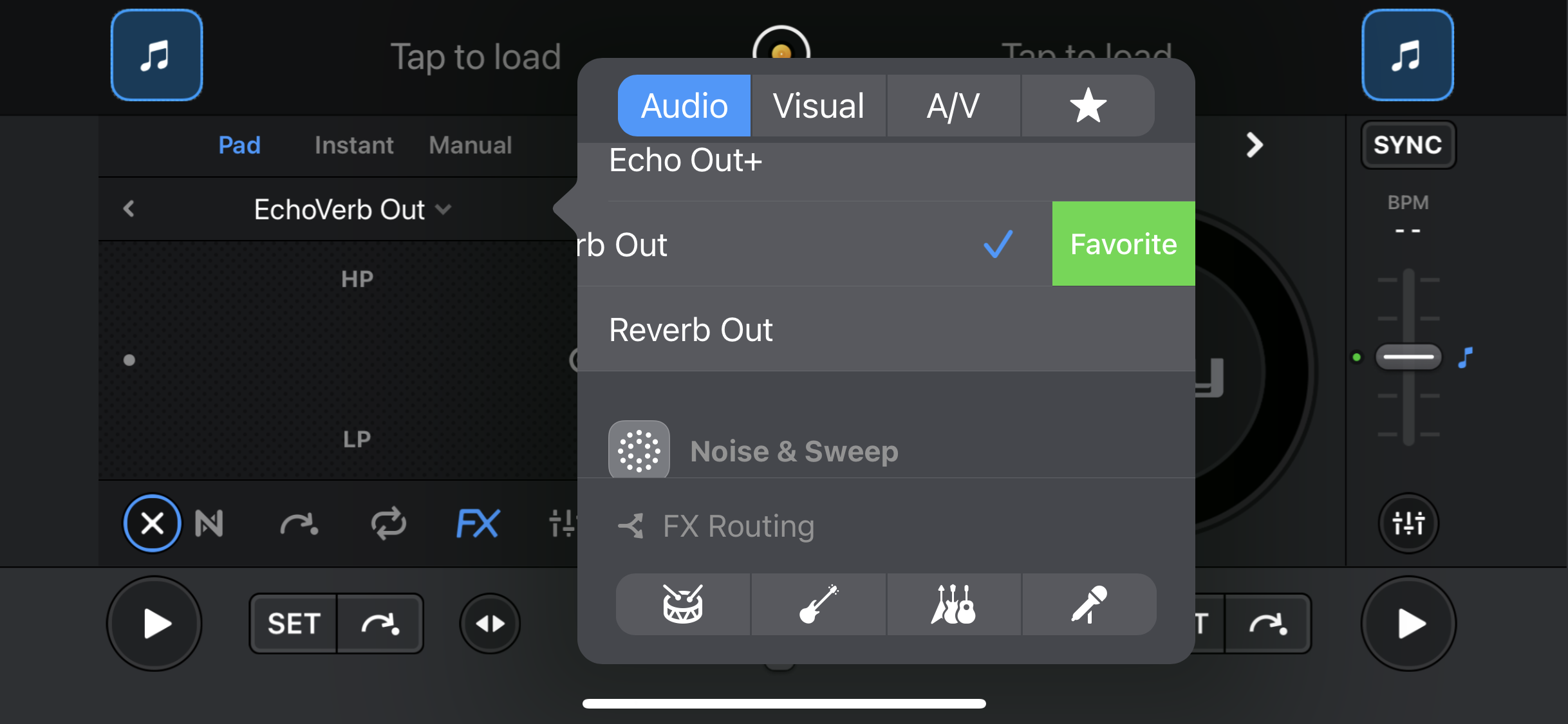
The selected effect will now be available in your Favorites tab for quick access. To remove an effect from your favorites, swipe left on the effect name and tap Remove.