Customizing sample packs
In addition to using djay’s official sample packs, you can create, edit, and save your own packs using the Sample Pack Editor. You can build custom packs by mixing official samples with your own imported or recorded sounds.
How to create a new sample pack
-
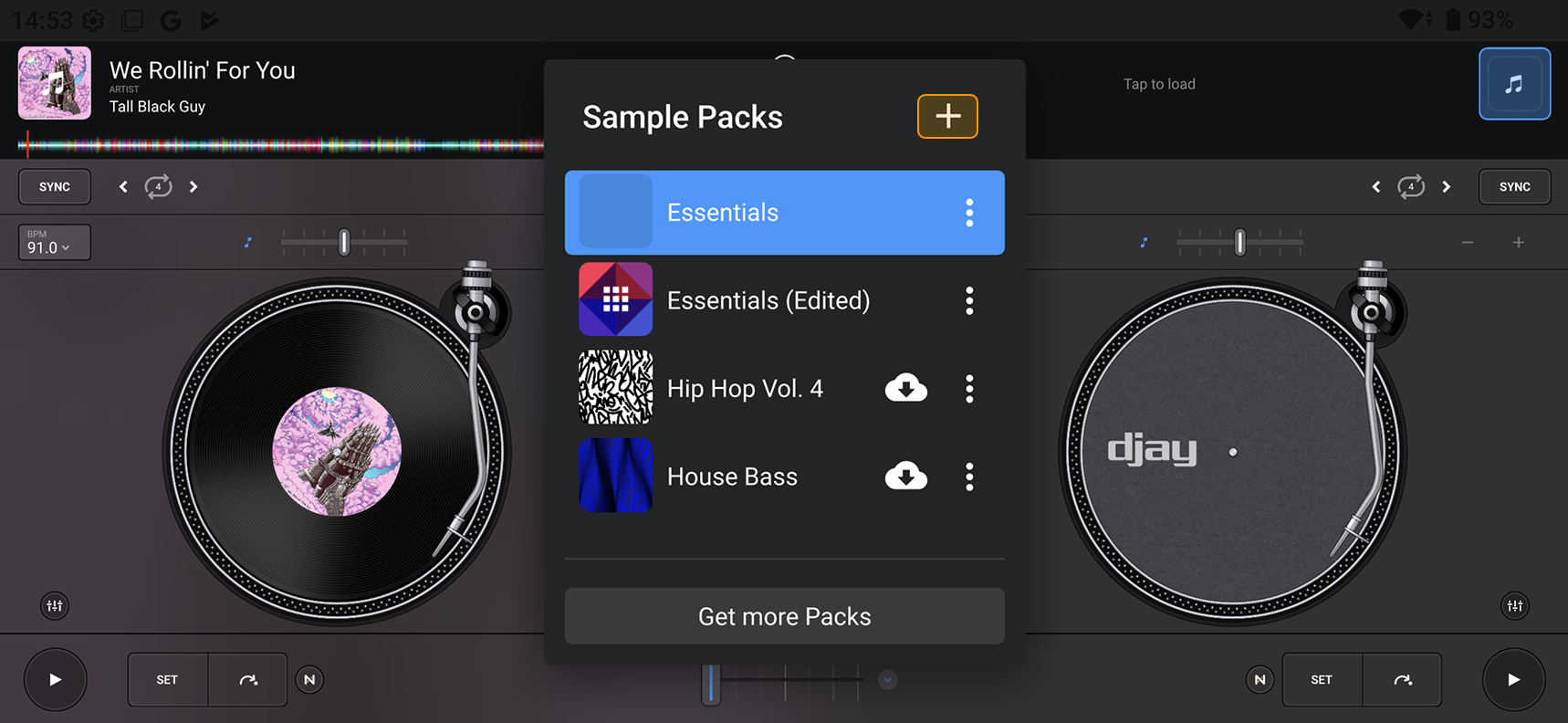
Tap the Sample pack menu.
-
Tap the + icon at the top left of the menu to add a new pack.
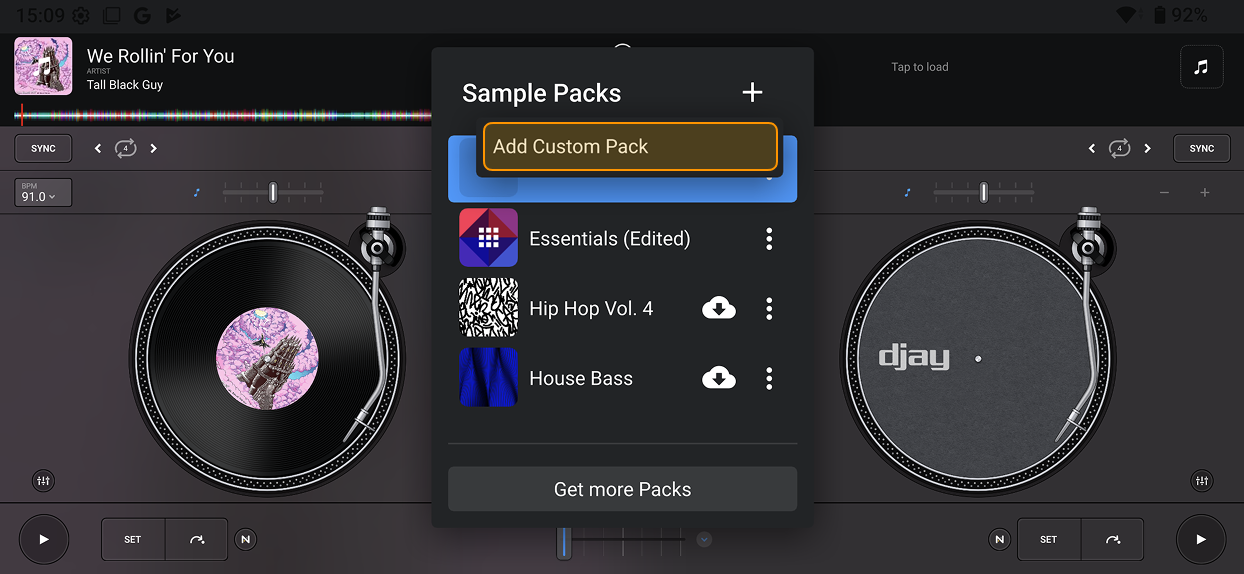
- Tap Add Custom Pack, give your pack a new name, and then continue.
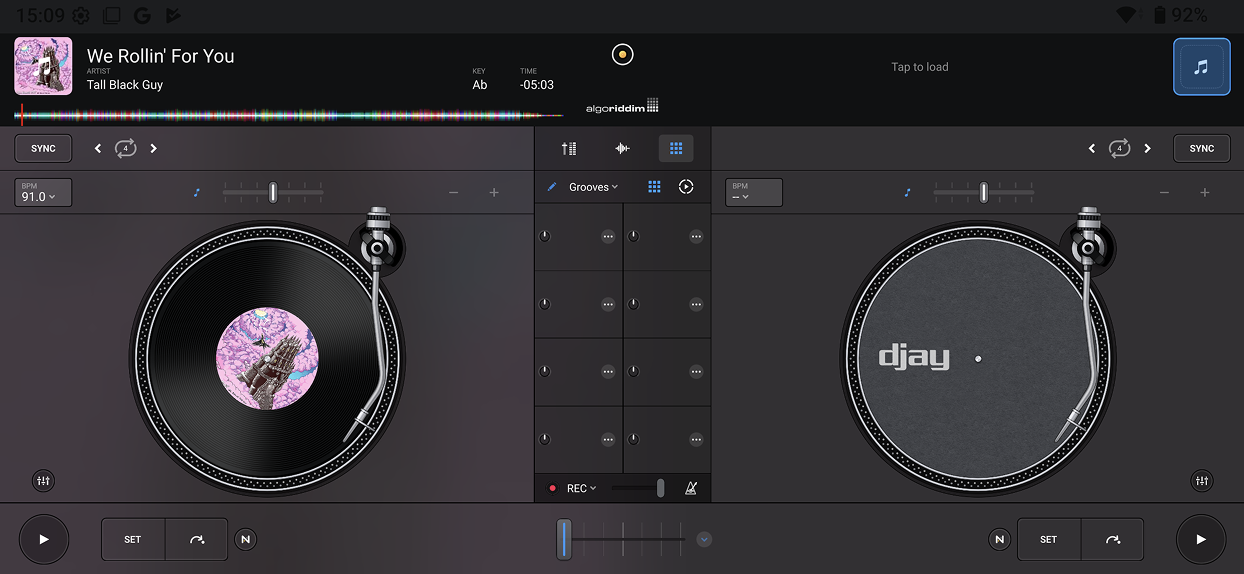
- Each pad in the grid will now be empty and editable. Tap the three-dot menu on a pad to choose a sample.
- To add an official sample, make sure the Sample Packs tab is selected, then choose a sound from a pack.
tip
To swap a sound, tap the three-dot menu on a pad and select a new sample from a different pack.
Using imported and recorded samples
You can also add your own sounds to a custom pack by importing files or recording audio directly from Deck 1 or Deck 2.
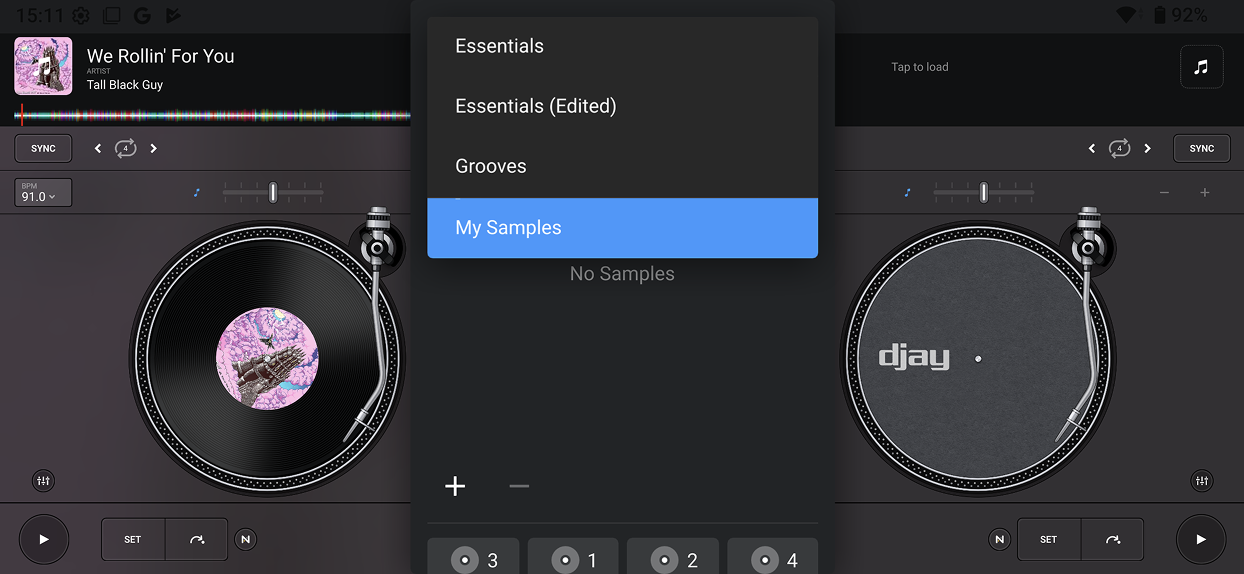
To find your sounds, tap the My Samples tab.
Learn more about using imported and recorded samples in the Recording and adding your own samples section.