


Sharing MIDI mappings
Your custom MIDI mappings don’t have to stay on one device. You can share your mappings with other DJs or move them across your own setups. If you’re collaborating, backing up your work, or syncing multiple machines, djay Pro makes it simple to export and install mappings so your personalized workflow is always at hand.
How to share a mapping
- In the MIDI Configuration window, click the Share icon (macOS Share Menu).
- Choose an available option, such as AirDrop, Messages, or Mail.
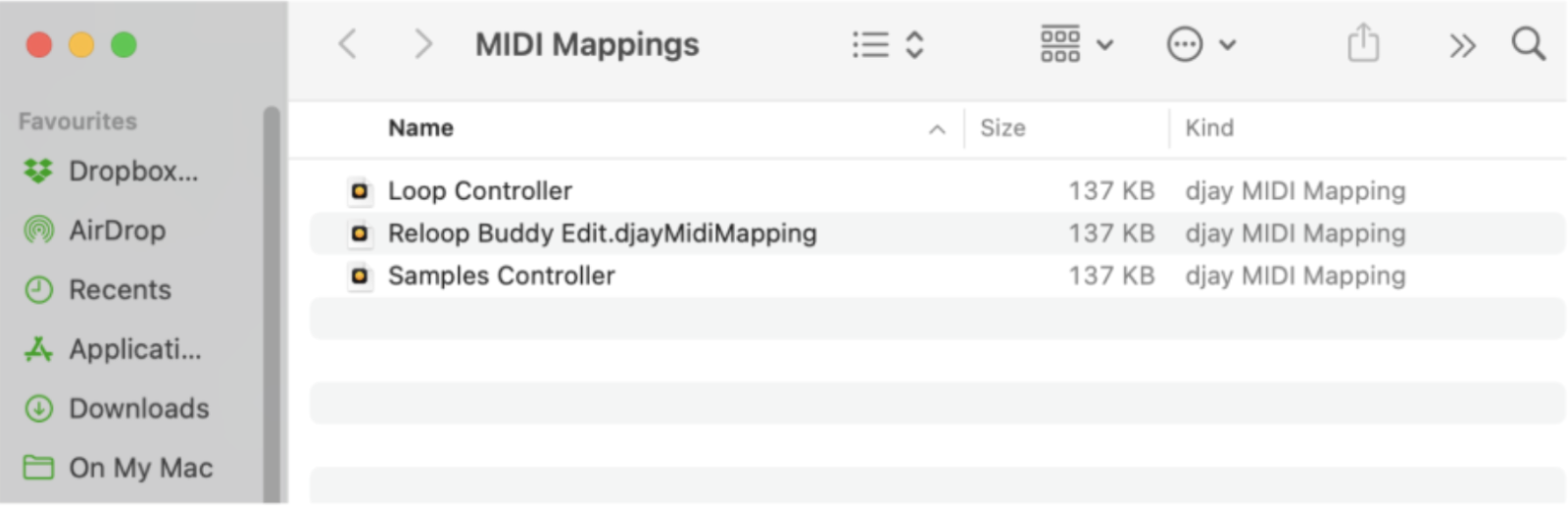
- To locate the mapping file directly, select Show in Finder from the drop-down menu. This opens the folder where your mappings are saved.

From the MIDI Mappings folder, you can copy the file to a USB drive, attach it to an email, or back it up to cloud storage.
How to install a MIDI mapping
Double-click the mapping file in Finder, and it will be automatically added to djay Pro.
Alternately, you can also access the Show in Finder option via:
- Edit Configurations
- Select the name of the mapping you want to locate
- Click Options.
- Choose Show in Finder.