


Key lock
Key Lock keeps your tracks sounding natural when you adjust the tempo. By locking the pitch, you can speed up or slow down a song without changing its key. Use Key Lock for smooth transitions, harmonic mixing, or practicing at different BPMs without altering the feel of the music.
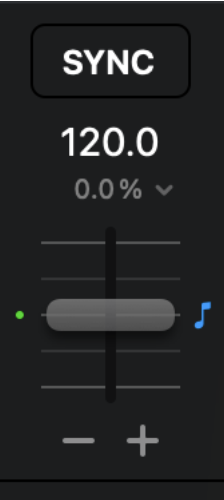
To toggle Key Lock on or off, tap the musical note icon next to the deck’s tempo slider. The icon is blue when Key Lock is active.
Key Lock is turned on by default.
You can also assign Key Lock to a button on your MIDI controller. Learn more in the MIDI Mapping section.
note
Extreme tempo changes may affect audio quality when Key Lock is on.