Advanced settings
The Advanced section gives you fine-tuned options for how cue points and loops behave, how recordings are saved, and how pre-cueing works.
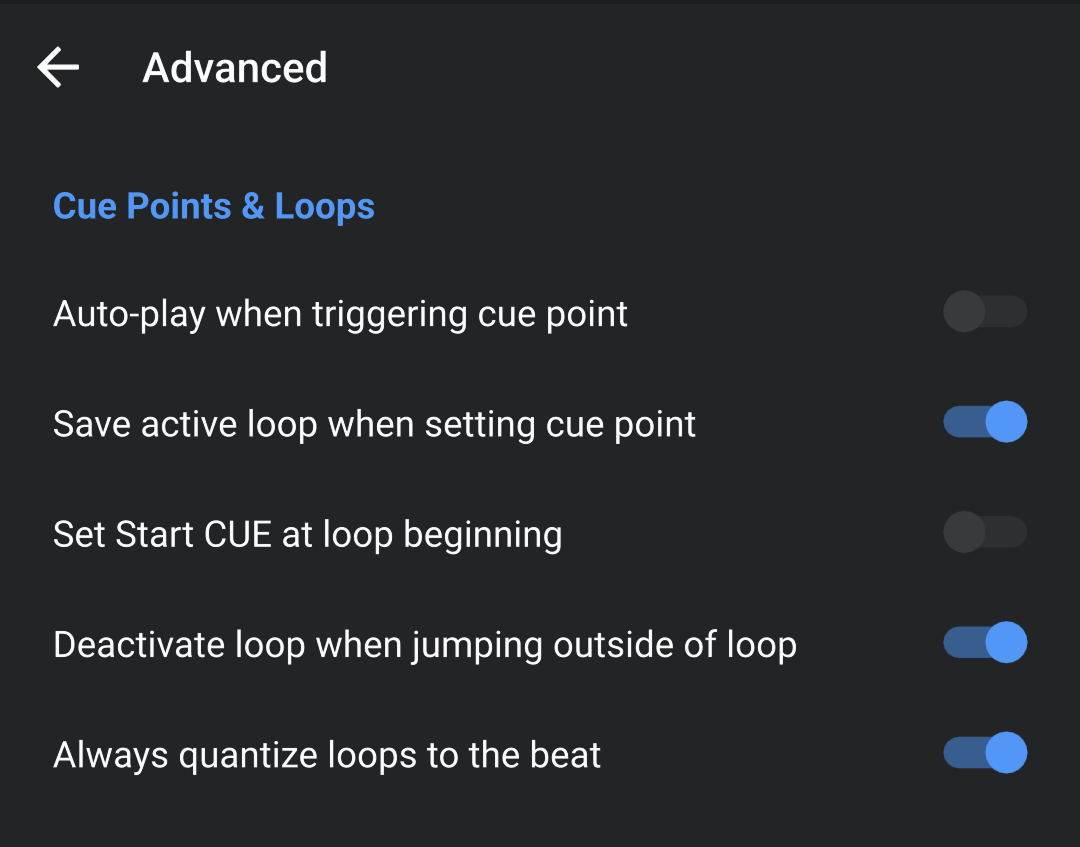
Cue points & Loops
- Auto-play when triggering cue point: Automatically starts playback when jumping to a cue point.
- Save active loop when setting cue point: Stores any currently active loop with the cue point, so both are recalled together.
- Set Start Cue at loop beginning: Automatically sets the start cue to the beginning of an active loop.
- Deactivate loop when jumping outside of loop: Exits a loop automatically when you jump to a cue or point outside the loop region.
- Always quantize loops to the beat: Ensures all loop points snap to the nearest beat for tighter timing.
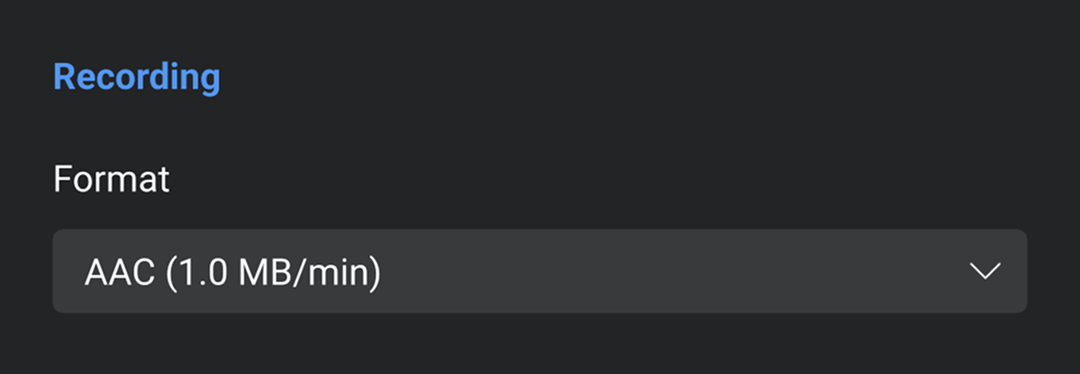
Recording
- Format: Choose your preferred recording format—AAC (compressed, smaller file size) or WAV (uncompressed, higher quality).
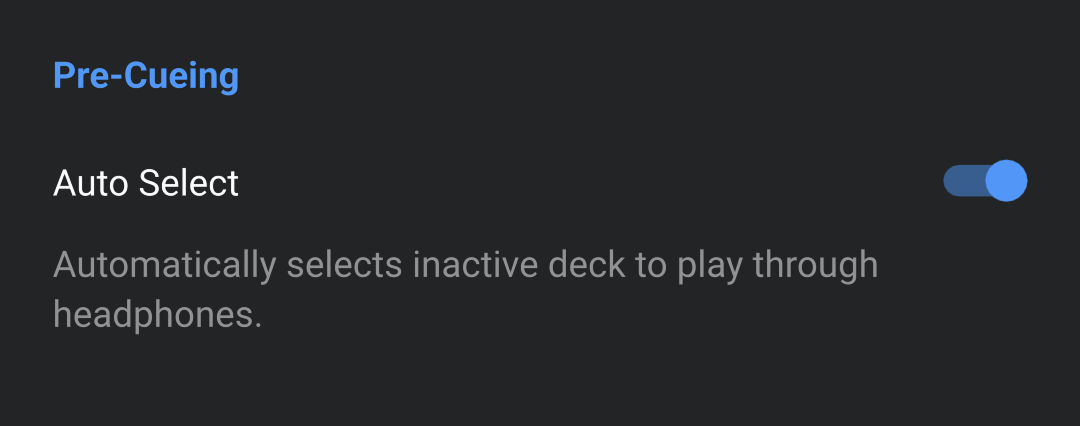
Pre-cueing
- Auto select: Toogle on to automatically select the inactive deck to play through your headphones.