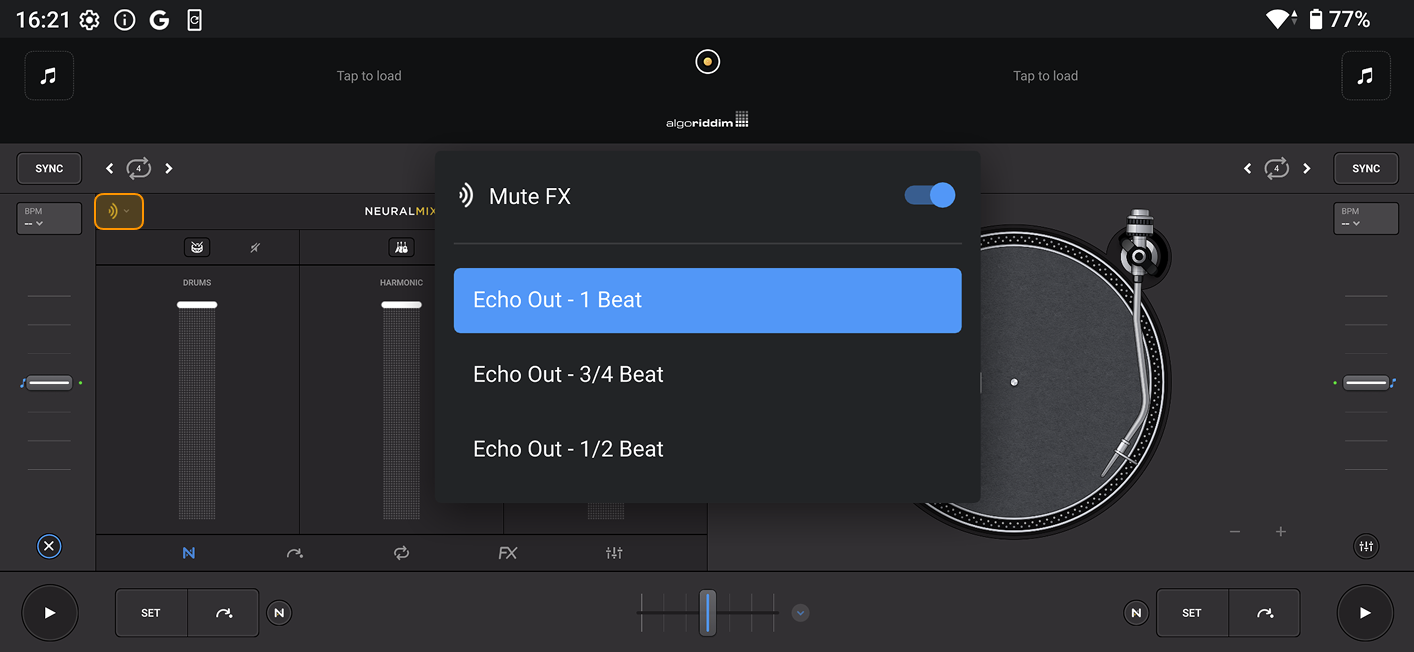
Mute FX
Mute FX adds polish to your mixes by replacing abrupt cuts with smooth echo tails when you mute or solo Neural Mix™ stems. Instead of dropping sounds instantly, stems fade out with an echo—making your transitions sound more natural and polished.
How to use Mute FX
- Tap the Mute FX dropdown menu in the Neural Mix™ section.
- Tap the Mute FX button to activate.
- Choose when you want the Echo Out to begin:
- 1 beat
- ¾ beat
- ½ beat
- When you mute or solo stems, an echo tail will now play instead of cutting the sound abruptly.