


Connecting a MIDI controller
djay is designed to be flexible. You can start mixing right away using just your device. If you want the feel of physical faders, knobs, and jog wheels, you can connect external hardware like MIDI controllers. This section covers the different ways you can use djay for Android with hardware, so you can choose the setup that matches your style.
Connecting external hardware
Mixing directly on your device is quick and flexible, but hardware gives you physical controls that make it easier to perform smooth transitions, scratch, and shape your sound in real time. Whether you’re practicing at home or playing live, hardware can enhance your workflow and unlock new performance possibilities.
Using a MIDI controller with djay gives you hands-on control over your mix, from triggering cue points to adjusting EQ and effects in real time. Officially supported controllers feature plug-and-play support, so they work right out of the box. For added flexibility, djay also supports a selection of Bluetooth controllers for simple wireless setups.
You can view the full list of officially supported controllers on the DJ Gear page. Setting up an officially supported controller is quick and easy thanks to plug-and-play support.
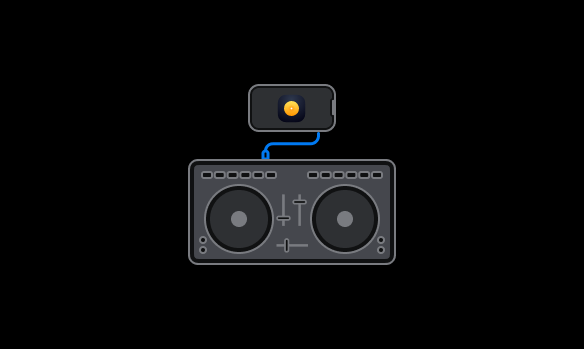
How to connect a supported MIDI controller
- Use an OTG-compatible USB-C or Micro-USB adapter, depending on your device.
- Connect the power adapter either to the USB hub or your device (recommended for longer sessions).
- Plug your MIDI controller into the USB adapter and power it up.
- Open djay. Your controller will automatically be recognized.
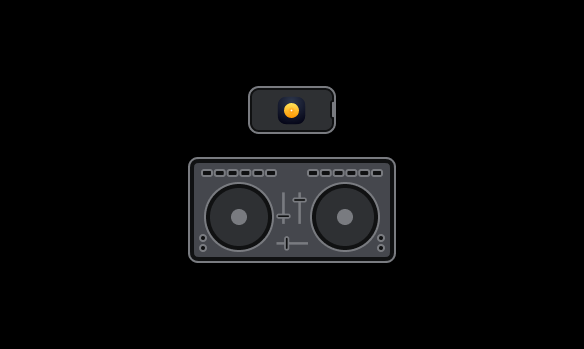
How to connect a supported Bluetooth controller
djay supports certain Bluetooth-enabled DJ controllers (such as the Hercules DJControl Mix) using the built-in Bluetooth configuration tool. Wireless control is useful for casual setups, practice sessions, or mobile DJing where portability and fewer cables matter.
- Enable Bluetooth on your device (Settings > Bluetooth).
- Power on your controller and set it to pairing mode (usually indicated by flashing LEDs — check the controller manual if unsure).
- Open djay.
- Go to Dashboard > Settings > MIDI devices.
- Tap Connect Bluetooth Contoller.
Once paired, your controller is ready to use wirelessly with djay.
Check the list of officially supported controllers to see which models officially work with djay for Android and support Bluetooth.
If a previously paired MIDI controller shows as offline, tap the controller name to reconnect.